CONFIGURATION
OVERVIEW
NetMan 204 can be configured via USB, via SSH or via HTTPS.
NetMan 204 comes provided as factory default with DHCP enabled and with the following
services active: SSH, HTTP, SNMP, UDP and FTP.
In order to change the configuration of NetMan 204, you have to log in as admin (default
password “admin”).
NetMan 204 needs approx. 2 minutes to become operational from when it is powered up
or after a reboot; before this time the device may not respond to commands that are sent
Configuration via HTTP/HTTPS
In order to change the configuration via http/https, you have to insert in your web browser the
hostname or IP address of the NetMan 204 and then log in as admin (default password: "admin").
The HTTPS service uses TLS (transport layer security) in order to provide cryptographic
security. However, the certificate used is self-signed and therefore the web browser may
prompt a security alert; in this case you can ignore the alert and proceed with the
configuration of NetMan 204.
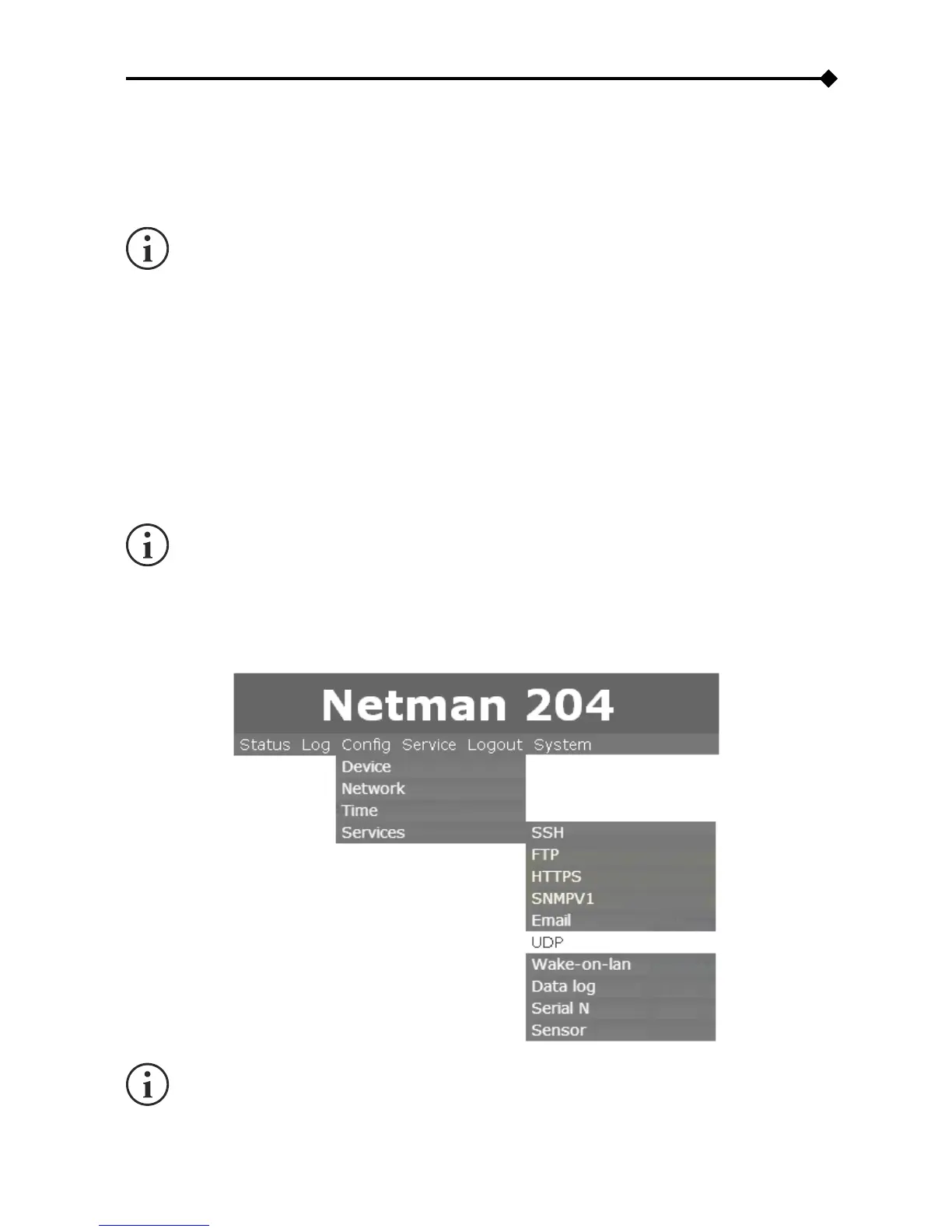
Once login has been effected, you can browse through the menus to configure the NetMan 204.
In order to make a new configuration effective, it is necessary to confirm it (OK button for
each configuration page changed) and then reboot the NetMan 204 (as required with a
pop-up by your web browser).



 To Next Page