DTV
3.8 Keyboard Shortcuts
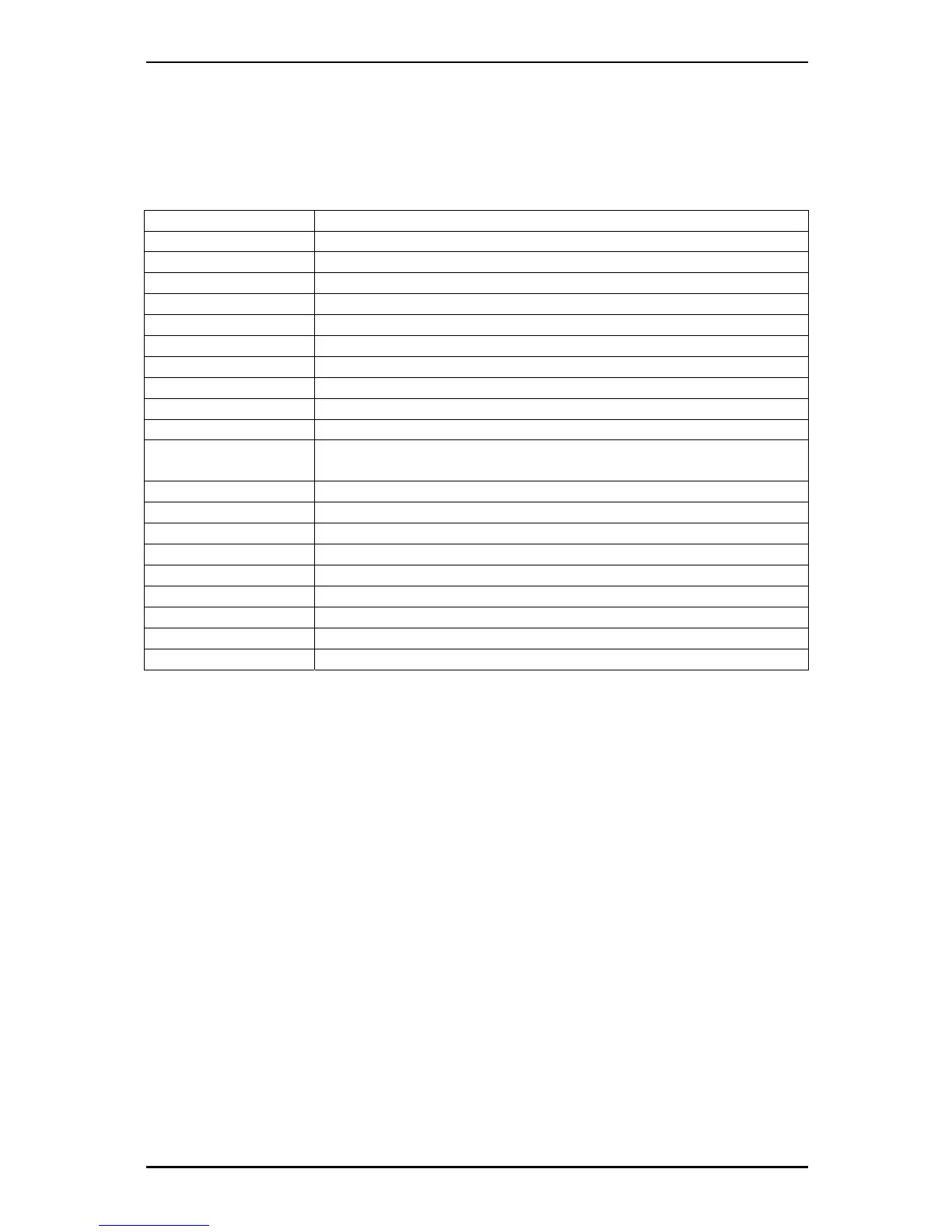
Use the following Hot-Key table for reference to conveniently control TV functions
using a keyboard.
Keyboard Description
F Full Screen Mode On / Off
Ctrl-Alt-T Open / Close the DTV application
BackSpace Recall Previous Channel
M Mute on / off
T Switch between TV / Radio reception
A Switch to Second Audio Language
©
Channel Up
ª
Channel Down
¨
Volume Up
§
Volume Down
Enter /
NumPad Enter
Enter / Confirm
Ctrl-R Start Recording
Ctrl-T Start / Pause TimeShift
W Rewind
Space Play / Pause
E Fast Forward
Q Skip to beginning
Ctrl-S Stop Playback / Recording / TimeShifting
R Skip to end
Ctrl-P Snapshot
13



 To Next Page