Recording
5. Recording
5.1 The Recording Button
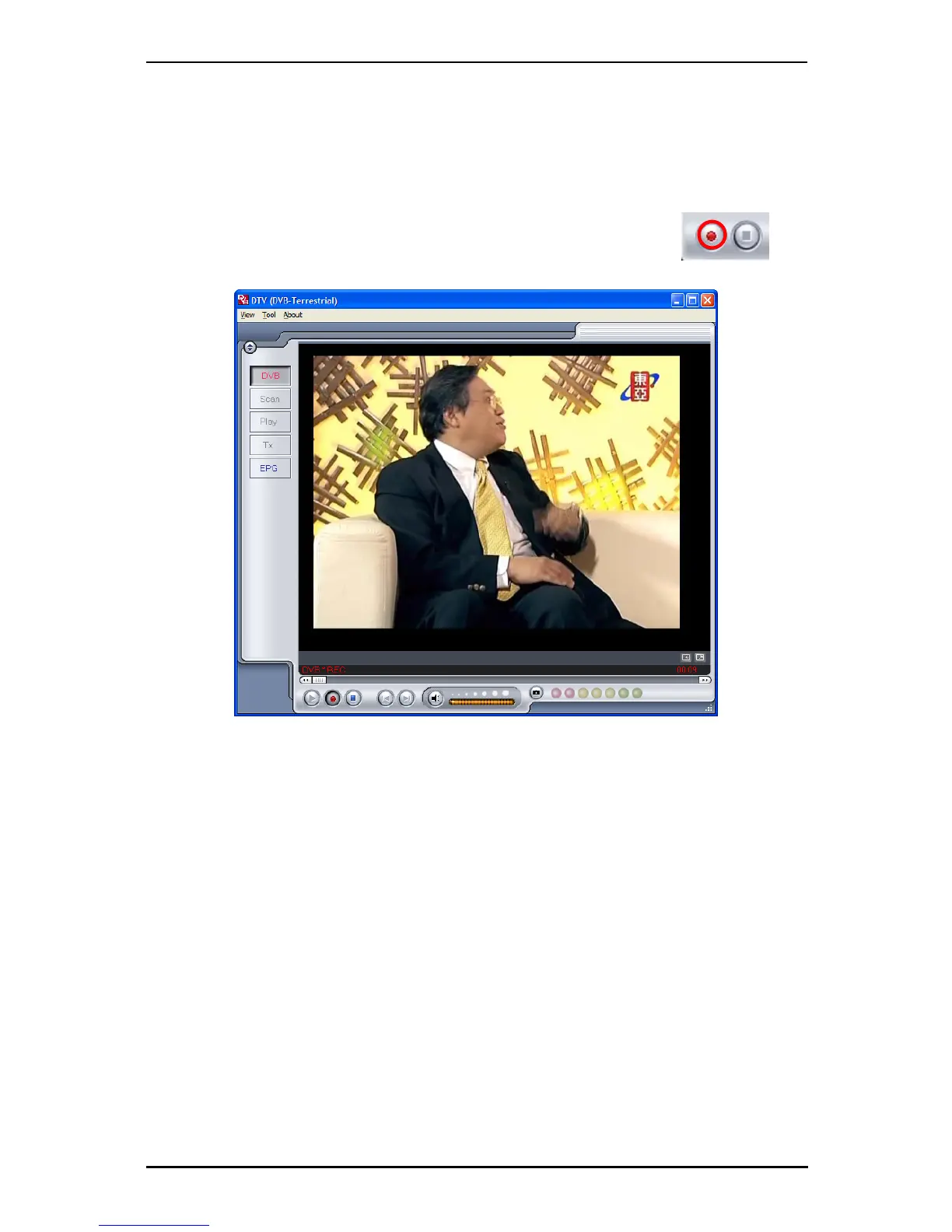
By clicking the record button, you can record video displayed in the
main window. When recording video, then you will see your current
video source and • REC above the play controls.
When recording, you record the exact MPEG-2 Audio and Video signal you receive.
Recorded files will be saved to the working directory, which can be specified in
Directory Settings. (Chapter 4.1) You can watch the movies you have recorded by
entering Play Mode. (Chapter 5.5)
When you are done recording, click the Stop button.
16



 To Next Page