Installation
2.2 Connecting the USB 2.0 Digital TV Stick
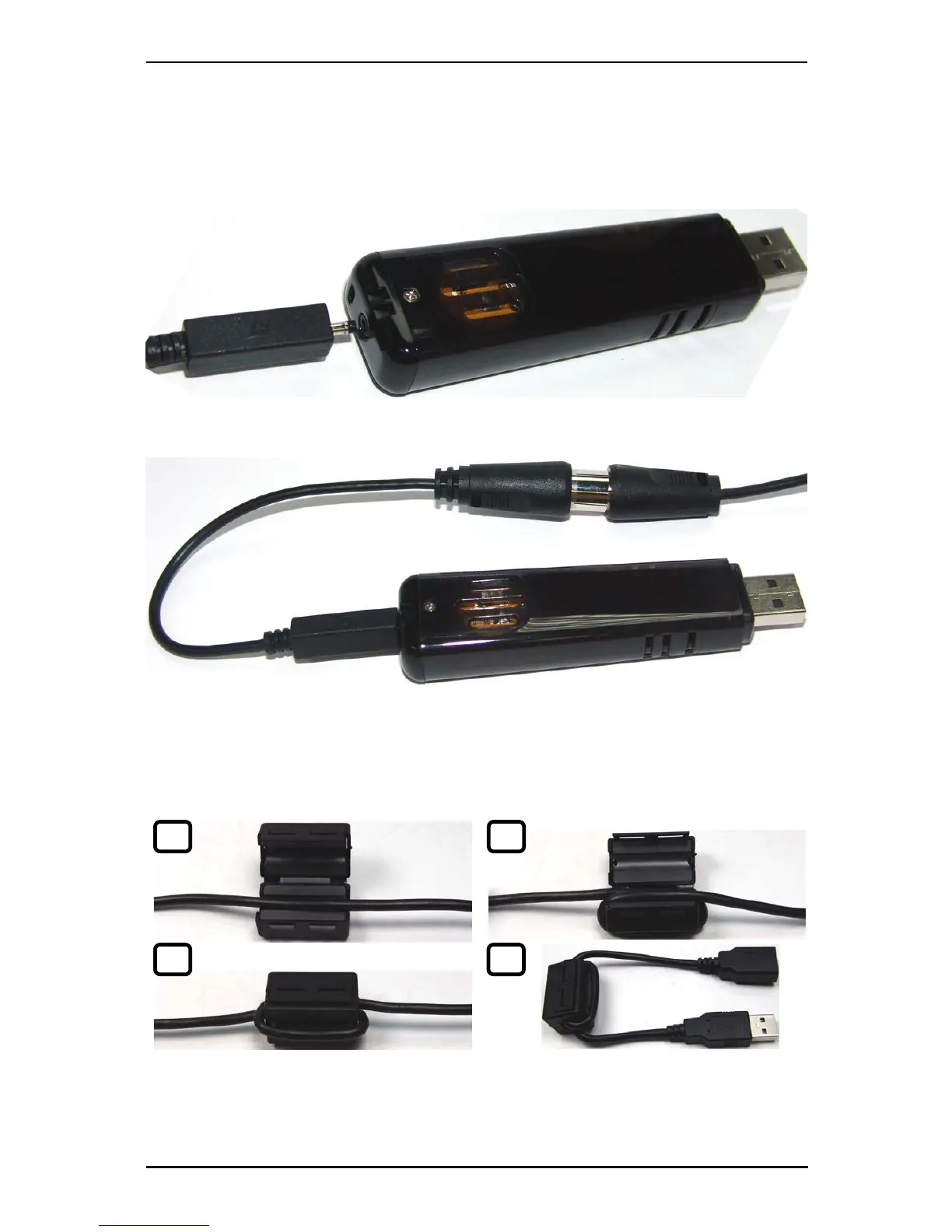
Connect the RF dongle to the connection port on the back of the USB 2.0 Digital TV
Stick.
Connect your digital antenna (or optional portable antenna) to the RF dongle.
Now plug the USB 2.0 Digital TV Stick unit into an open USB 2.0 port on your PC.
Note: If you need to use the USB port extension cable, attach the EMI core to the USB
cable.
1 2
3 4
4



 To Next Page