EasyManua.ls Logo

Nevco 2450 - User Manual

Default Icon
36 pages
Print Icon
To Next Page IconTo Next Page
Loading...
10/18/2011 135-0044
Scoreboard Operator’s Instructions
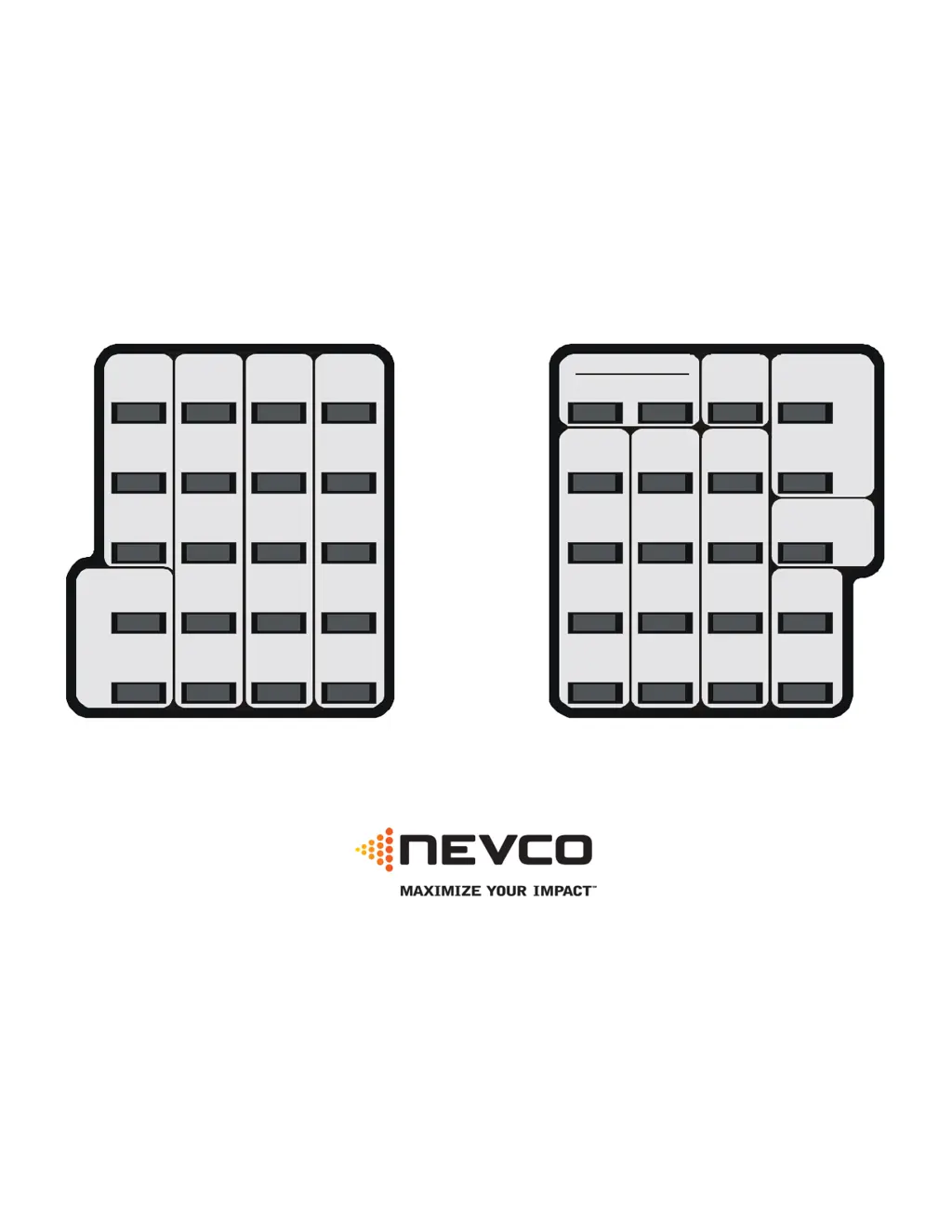
MPC Control
Home
Score
Guest
Score
Start
Clear
ConfirmCancel
7
4
1
8
5
2
Blank
9
6
3
0
No
Yes
Chronometer
(Time of Day)
Options
Time Out Timer
Model Code 134
Basketball
Time
Bonus
Misc.
Shot
Time
Home
T.O.
Left
Guest
T.O.
Left
Alternate Time
Control
Horn
Set
Time
On
Time
Off
Next
Poss.
Sub.
Horn
Home
Team
Fouls
Guest
Team
Fouls
Home
Player
Number
Guest
Player
Number
Some features on the keyboard overlay may not be included on the particular model being operated.
Since 1934
Retain this manual in your permanent files

Questions and Answers

Summary

Start Up Procedure

Start Where Turned Off Last?

Resumes operation after a power failure by loading saved data.

Go To A Bookmark?

Loads saved configuration and data from a specific bookmark.

Enter Your Model Code

Sets up the control for the specific scoreboard model and sport.

Quick Start Guide

Set Play Clock Time

Guides on setting the game clock duration and period.

Start and Stop Clock

Instructions for initiating and halting the main game clock.

Keyboard Functions: Basic Operations

Basic Key Operations

Explains basic control keys like YES, NO, SET, HORN, and OPTIONS.

Keyboard Functions: Time Out Timer

Start Time Out Timer

Details starting and setting up a Time Out Timer.

Clear Time Out Timer

How to cancel an active Time Out Timer.

Keyboard Functions: Main Time and Scoring

Main Time Control

Controls for starting, stopping, and recalling the main game time.

Set Game Time and Period

Mode for setting the game duration and period number.

Score Entry

Procedures for entering scores for home and guest teams.

OPTIONS

The Set Options Menu

Segment Timer Configuration

Enable and Add Segments

Enables the segment timer and adds new time segments.

Appendix: Segment Timer Configuration

Appendix: Segment Timer Editing

Appendix: Segment Timer Example

Summary

Start Up Procedure

Start Where Turned Off Last?

Resumes operation after a power failure by loading saved data.

Go To A Bookmark?

Loads saved configuration and data from a specific bookmark.

Enter Your Model Code

Sets up the control for the specific scoreboard model and sport.

Quick Start Guide

Set Play Clock Time

Guides on setting the game clock duration and period.

Start and Stop Clock

Instructions for initiating and halting the main game clock.

Keyboard Functions: Basic Operations

Basic Key Operations

Explains basic control keys like YES, NO, SET, HORN, and OPTIONS.

Keyboard Functions: Time Out Timer

Start Time Out Timer

Details starting and setting up a Time Out Timer.

Clear Time Out Timer

How to cancel an active Time Out Timer.

Keyboard Functions: Main Time and Scoring

Main Time Control

Controls for starting, stopping, and recalling the main game time.

Set Game Time and Period

Mode for setting the game duration and period number.

Score Entry

Procedures for entering scores for home and guest teams.

OPTIONS

The Set Options Menu

Segment Timer Configuration

Enable and Add Segments

Enables the segment timer and adds new time segments.

Appendix: Segment Timer Configuration

Appendix: Segment Timer Editing

Appendix: Segment Timer Example

Nevco 2450 Specifications

General IconGeneral
BrandNevco
Model2450
CategoryController
LanguageEnglish

Related product manuals