EasyManua.ls Logo

Nevco 145 - User Manual

Default Icon
22 pages
Print Icon
To Next Page IconTo Next Page
Loading...
Rev. 04/06/2010 135-0045
Scoreboard Operator’s Instructions
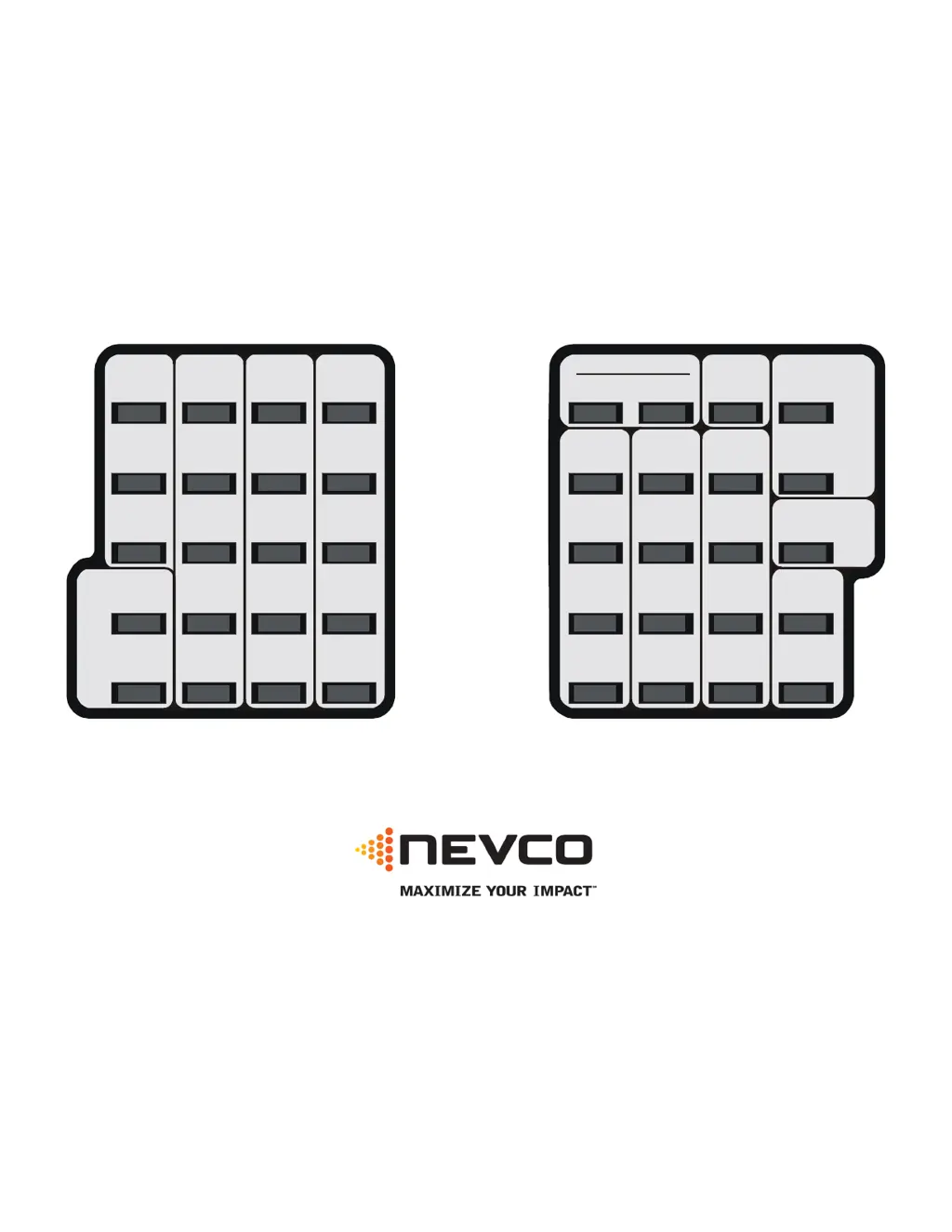
MPC Control
Model Code 145
Baseball
Home
Score
Guest
Score
Start Clear
Confirm
Cancel
No
Yes
Chronometer
(Time of Day)
Options
Time Out Timer
Time
Alternate Time
Control
Horn
Set
Time
Off
Inning
Team
at
Bat
Out
ErrorHit
Ball
Strike
At
Bat
Reset
7
4
1
8
5
2
Blank
9
6
3
0
Time
On
Some features on the keyboard overlay may not be included on the particular model being operated.
Since 1934
Retain this manual in your permanent files

Questions and Answers

  • R
    rcruzAug 9, 2025
    Why is the auxiliary time not counting on my Nevco Controller?
    • K
      Karla MillerAug 9, 2025
      If the auxiliary time is displayed but not counting, it may be because the display is showing hours and minutes, and it only updates once per minute. Note that minutes and seconds will be displayed during the last hour of remaining time.
  • R
    ritaandersenAug 26, 2025
    What to do if I cannot subtract from the score on my Nevco 145?
    • S
      Stacy OnealAug 26, 2025
      If you are unable to subtract from the score, it is because the score keys are designed to add only. To correct this, use the SET function, then the score key, and manually enter the correct score directly.

Nevco 145 Specifications

General IconGeneral
BrandNevco
Model145
CategoryController
LanguageEnglish

Related product manuals