. Time on or Time off mode:
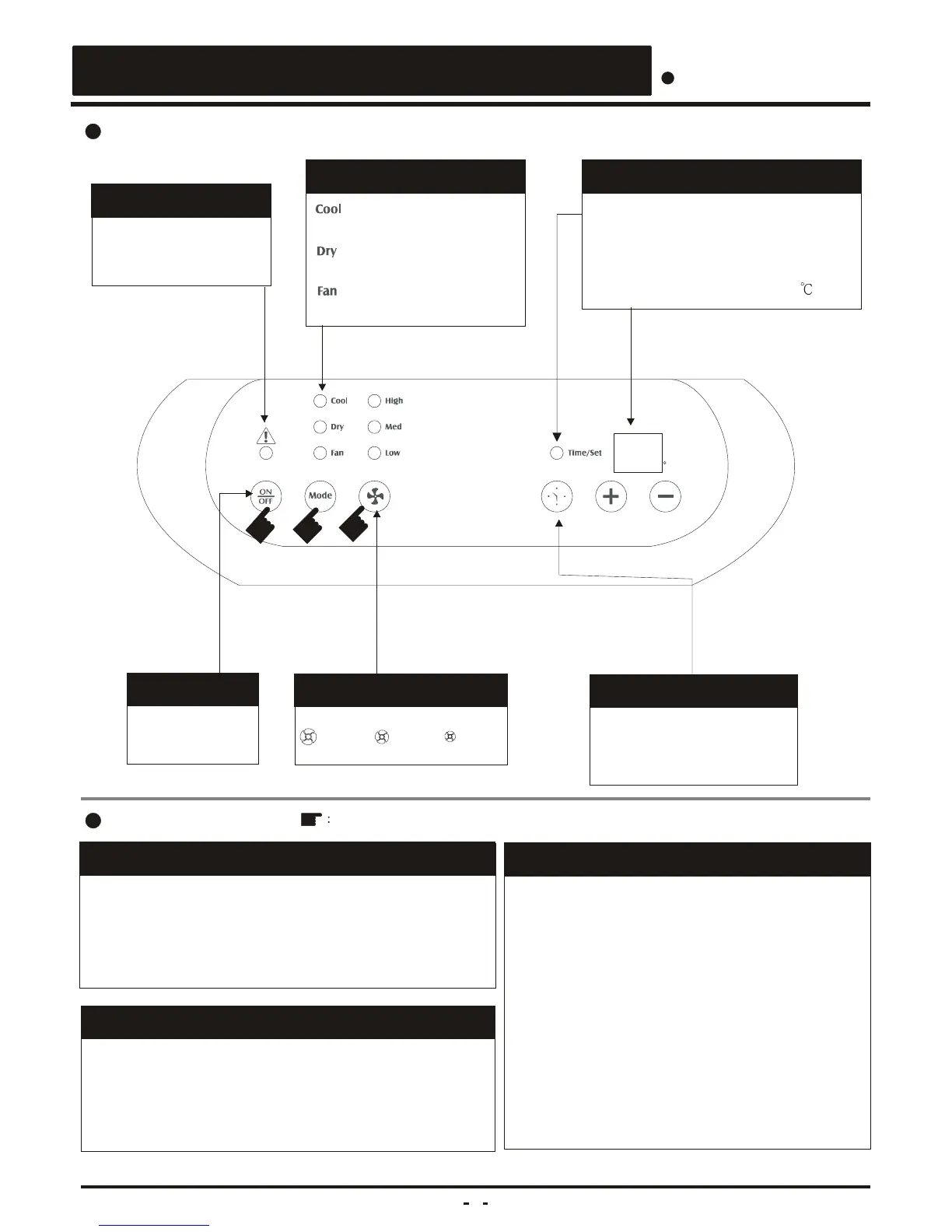
Timer setting.(1-12 Hours)
. Cooling or Dehumidification mode:
Temperature setting.(16~32 )
1. Make sure power cord is properly connected.
(Standby)
2. Press " On / Off " key.
3. Setup function key to " Fan "
4. Select proper fan speed by actual situation.
A. Auto switch off
1) To be operated in cooling or fan mode.
2) Press " Auto on / off " key for machine's
stopping operation after 1,2,3,......,12 hours .
B. Auto switch on
1) Be sure that machine is in standby mode.
( power cord is securely plugged )
2) Press " Auto on / off " key for machine's
starting operation after 1,2,3,.....,12 hours.
Symbols Operation procedure
Easy operation
1. Make sure power cord is properly connected.
(Standby)
2. Press " On / Off " key .
3. Setup function key to " air conditioning " if necessary.
4. Select proper fan speed by actual situation if necessary.



 To Next Page