EasyManua.ls Logo

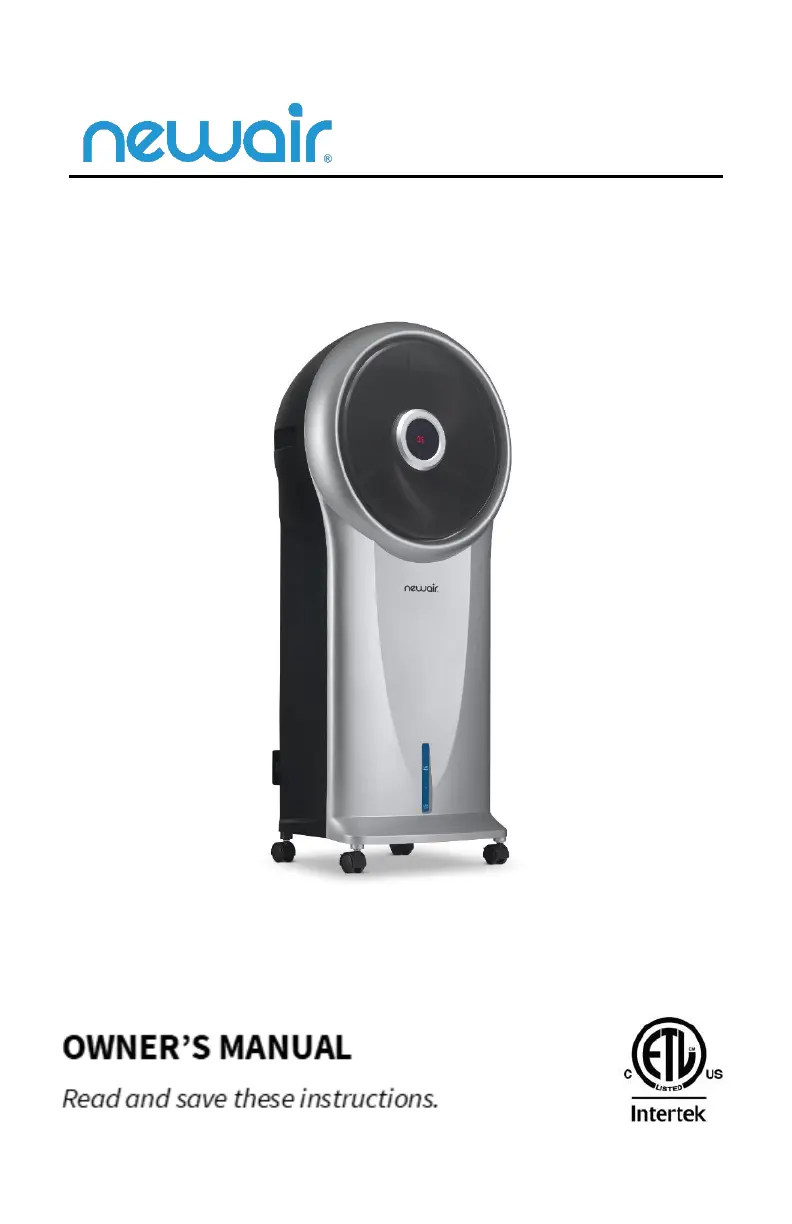
NewAir NEC500SI00 - User Manual

NewAir NEC500SI00
18 pages
Print Icon
To Next Page IconTo Next Page
Loading...
Manual v1.0
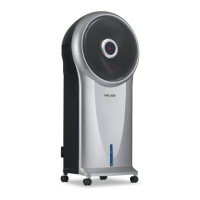
Evaporative Air Cooler
SKU: NEC500SI00

Questions and Answers

Summary

Specifications

Register Your Product Online

Safety Information & Warnings

Chemical Burn Hazard Warning

Specific warning about chemical burn hazards from lithium batteries, emphasizing safe handling and disposal.

Parts List

Product Benefits

Operating Instructions

Set Up

Instructions for unpacking and preparing the evaporative cooler for initial use, ensuring all components are present.

Filling the Water Tank

Steps to correctly fill the water tank, including using the level indicator and securing the tank.

Using the Ice Pack

Guidance on how to use the optional ice pack for enhanced cooling, including freezing and placement.

Controls & Operation

On;Speed & Off Buttons

Explanation of the ON/SPEED and OFF buttons for controlling the unit's power and fan speed settings.

Cooler;Humidifier Button

Details on activating the cooling/humidifying function and its effect on air quality and display indicators.

Mode Button

Instructions for using the MODE button to select between Natural and Sleep airflow modes.

Timer Button

How to set the programmable timer, specifying increments and display indications.

Swing Button

Instructions for activating the oscillation feature for wider air distribution and focused cooling.

Using the Remote Control

Additional Features

Cleaning and Maintenance

Exterior Cleaning

Steps for cleaning the exterior of the evaporative cooler using mild soap and water.

Cleaning the Dust Filter & Cooling Pad

Procedure for cleaning the dust filter and cooling pad to prevent clogging and ensure optimal performance.

Cleaning the Water Tank

Instructions for regularly emptying and cleaning the water tank for hygienic operation.

Water Pump Maintenance

Steps for cleaning the water pump and internal tubing to prevent buildup and maintain performance.

Troubleshooting

Limited Manufacturers Warranty

Warranty Terms

Details the terms under which the appliance's components will be repaired or replaced within the warranty period.

Warranty Exclusions

Lists conditions and events that will void the manufacturer's warranty coverage.

Obtaining Service

Guidance on how to initiate a warranty claim, including required documentation and contact information.

Summary

Specifications

Register Your Product Online

Safety Information & Warnings

Chemical Burn Hazard Warning

Specific warning about chemical burn hazards from lithium batteries, emphasizing safe handling and disposal.

Parts List

Product Benefits

Operating Instructions

Set Up

Instructions for unpacking and preparing the evaporative cooler for initial use, ensuring all components are present.

Filling the Water Tank

Steps to correctly fill the water tank, including using the level indicator and securing the tank.

Using the Ice Pack

Guidance on how to use the optional ice pack for enhanced cooling, including freezing and placement.

Controls & Operation

On;Speed & Off Buttons

Explanation of the ON/SPEED and OFF buttons for controlling the unit's power and fan speed settings.

Cooler;Humidifier Button

Details on activating the cooling/humidifying function and its effect on air quality and display indicators.

Mode Button

Instructions for using the MODE button to select between Natural and Sleep airflow modes.

Timer Button

How to set the programmable timer, specifying increments and display indications.

Swing Button

Instructions for activating the oscillation feature for wider air distribution and focused cooling.

Using the Remote Control

Additional Features

Cleaning and Maintenance

Exterior Cleaning

Steps for cleaning the exterior of the evaporative cooler using mild soap and water.

Cleaning the Dust Filter & Cooling Pad

Procedure for cleaning the dust filter and cooling pad to prevent clogging and ensure optimal performance.

Cleaning the Water Tank

Instructions for regularly emptying and cleaning the water tank for hygienic operation.

Water Pump Maintenance

Steps for cleaning the water pump and internal tubing to prevent buildup and maintain performance.

Troubleshooting

Limited Manufacturers Warranty

Warranty Terms

Details the terms under which the appliance's components will be repaired or replaced within the warranty period.

Warranty Exclusions

Lists conditions and events that will void the manufacturer's warranty coverage.

Obtaining Service

Guidance on how to initiate a warranty claim, including required documentation and contact information.

NewAir NEC500SI00 Specifications

General IconGeneral
BrandNewAir
ModelNEC500SI00
CategoryAir Conditioner
LanguageEnglish

Related product manuals