PROBLEM:
The MaxPower 802.11n/g/b PCI Card won’t automatically
connect to the Internet on my Mac.
SOLUTION:
In OS X 10.4.x or earlier:
1. Go to the Network Preference Pane.
2. Click on the “Show” drop-down menu and select “Net-
work Port Configurations”.
3. In the list that shows, find the option for your PCI inter-
face and drag it to the top of the list.
4. Click “Apply” and close the Preferences window.
In OS X 10.5.x:
1. Go to the Network Preference Pane.
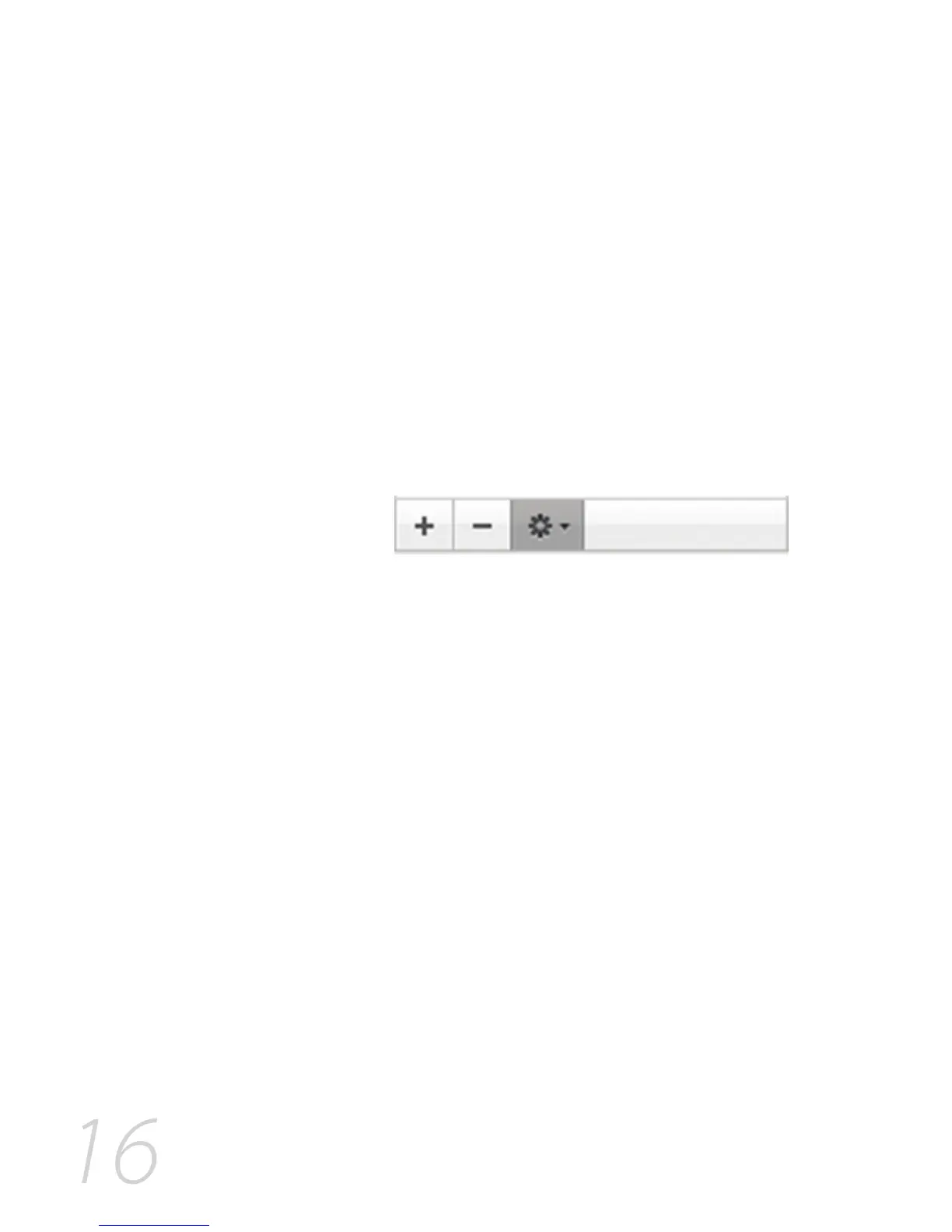
2. Click on the “Action” menu (it looks like a gear, as shown
below).
3. Select “Set Service Order…” from the menu that shows.
4. Click “Apply” and close the Preferences window.
5. Drag the PCI interface to the top of the list, then click
“OK”.
6. Click “Apply” and close the Preferences window.
PROBLEM:
I am unable to configure the MaxPower 802.11n/g/b PCI Card
using Apple’s built-in AirPort software.
SOLUTION:
This wireless adapter requires the use of the included software. It
will not work using Apple’s native wireless software and drivers.
PROBLEM:
I tried attaching the MaxPower 802.11n/g/b PCI Card to a
game console (PlayStation, XBox, Wii, etc.) that has a USB
port, and I can’t get it to connect to my network.
SOLUTION:
The MaxPower 802.11n/g/b PCI Card requires a software
driver, specific to Mac OS X and Windows, to run. No driver
software is available for any game console.



 To Next Page