Instructions
Newlec Helpline: 0800 783 6909
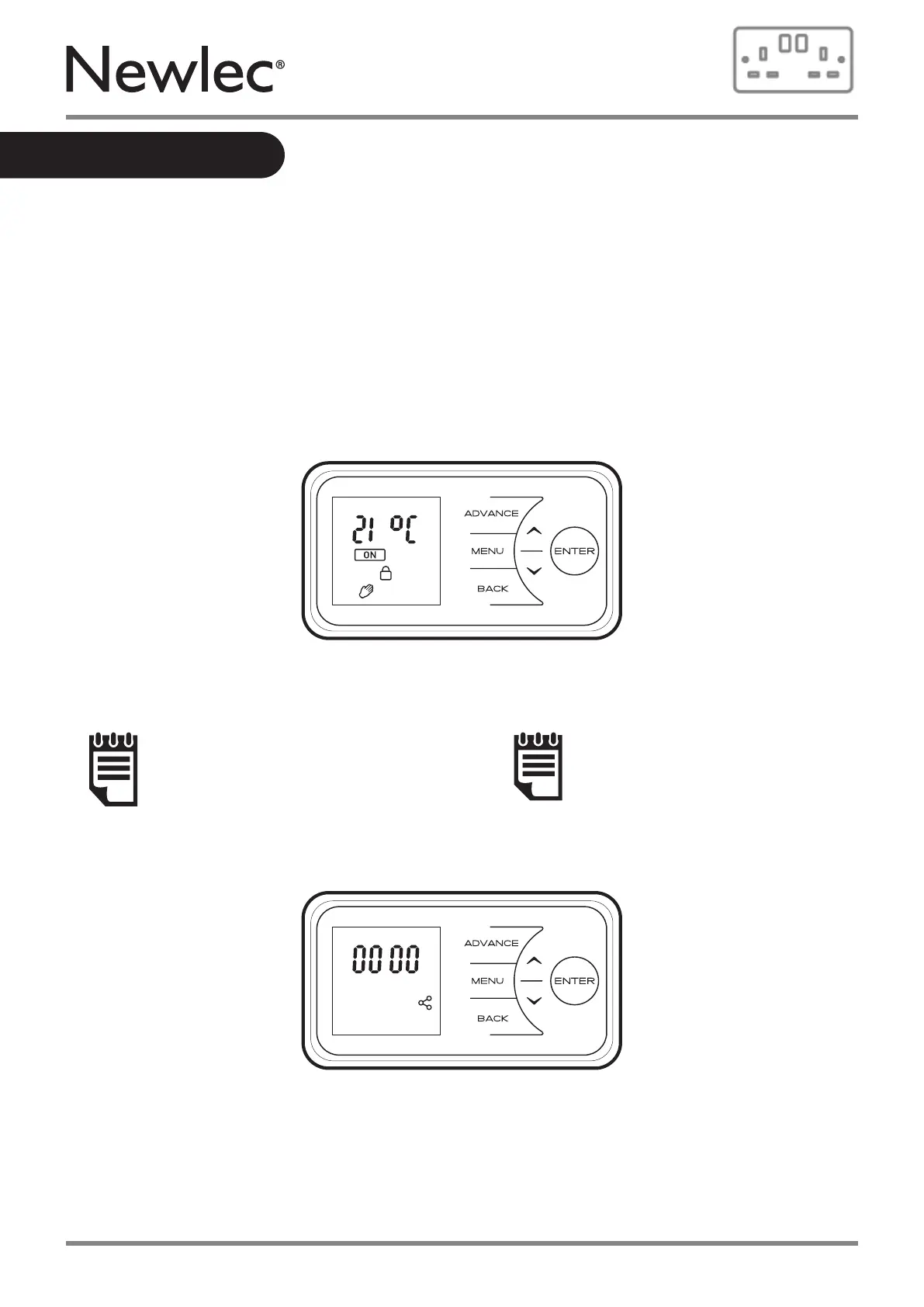
After 30 seconds the heater will default back to the Main Screen. Here the chosen temperature
is displayed along with the mode of operation. Any use of the Advance function will be displayed
here.
When left inactive for a long period of time this display will “sleep” and the text will disappear.
Press any button for its return.
NOTE:
Pressing Enter will show the
Device Name as a 4 digit pin.
NOTE:
The display screen will return to
the main screen after a period
of 30 seconds inactivity.
Main Screen
13



 To Next Page