Physical Description
User Manual forAZ710 Up Converter
version 1.2
3
SHAPING THE FUTURE OF SATELLITE COMMUNICATIONS
3 PHYSICAL DESCRIPTION
3.1 Front Panel Description
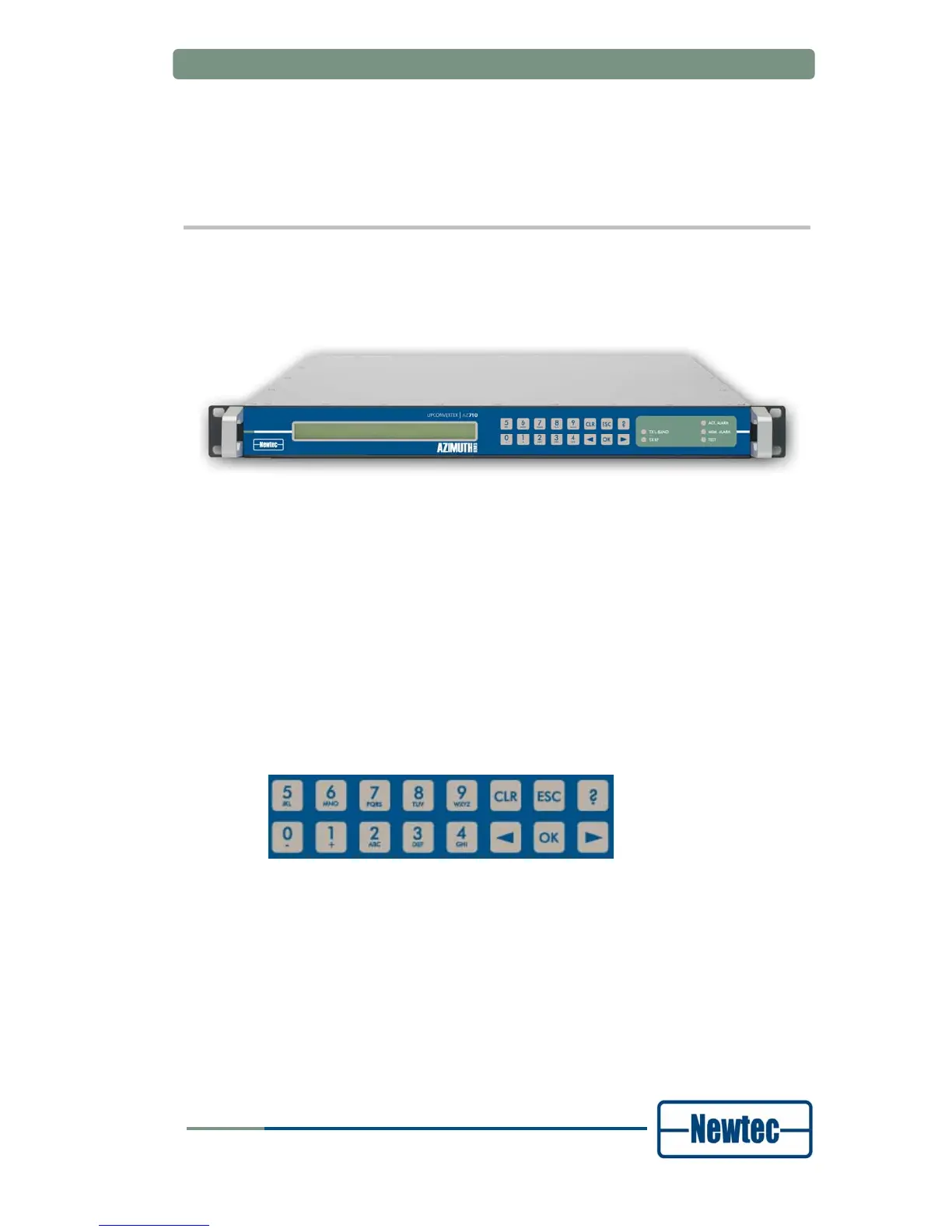
Figure 1 – AZ710 Up Converter front panel
3.1.1 Display
The display consists of a 2 x 40 characters LCD screen. The top row indicates the
path in the menu structure while the bottom row displays the selected item. If the
value is not indicated, press OK to open the sub menu.
3.1.2 Keypad
Figure 2 - SDH Keypad panel
With the 16 front panel keys you can navigate through the menus and change
parameters.
Press “?” to open a pop-up help screen with more information on the selected item.
To exit this screen, press ESC.
Use the “←” and “→” keys to highlight a menu item. Press OK (enter) to go one
level deeper in the menu tree. Once arrived at the desired level, press OK again to
select the desired item. Press ESC to move back up in the menu tree.
Press CLR (clear) to empty the numerical input fields (backspace).



 To Next Page