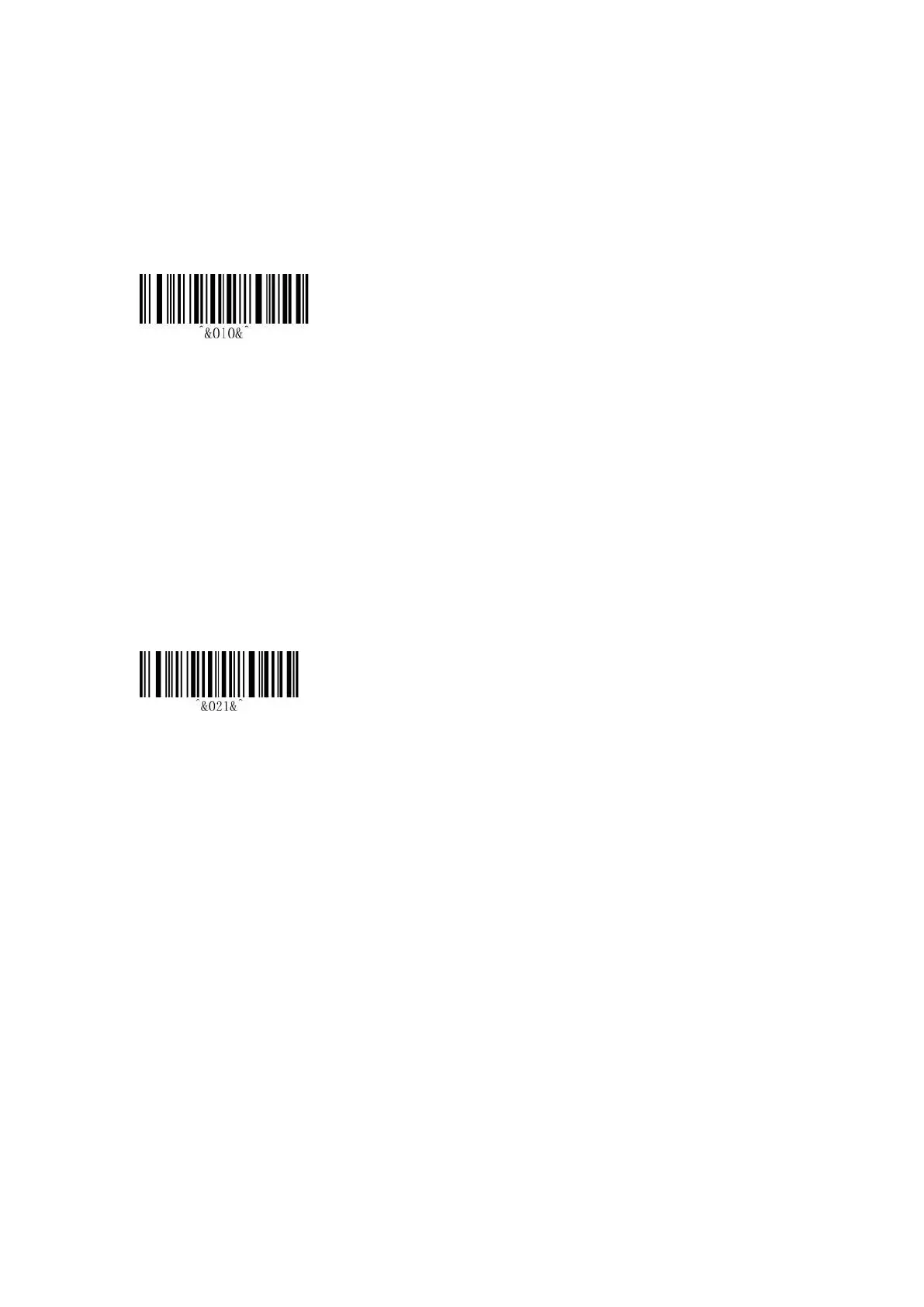
7. 2.4G Setting
Receiver Mode(*)
Scan this code, scanner will enter 2.4G mode automatically and connect to the receiver which is
matched last time by default.
7.1 Pairing
2.4G Receiver Pairing
Two ways to enter “2.4G Receiver Pairing” setting
(1) Scan the “Receiver Pairing” bar-code directly.
(2) Pressing the button about 16 seconds.
There will be 2 sounds respectively, first at the 8th seconds, the second at the 16th seconds, then
release the button.
2. Exit 2.4G Pairing:
(1) When the Bluetooth is matched, it will prompt once and ending pairing.
(2) Scan the “2.4G Receiver Pairing” to enter, then double-click the button to exit and it will
prompt once.
(3) If the receiver is not connected within 1 minute, it will exit automatically and with 3 beeps.
*Remarks
When exiting the pairing, if the receiver is not connected, it will connect to the receiver which is
matched last time automatically by default.


 To Next Page