FAQ
Q1: How do I use the picture-in-picture mode?
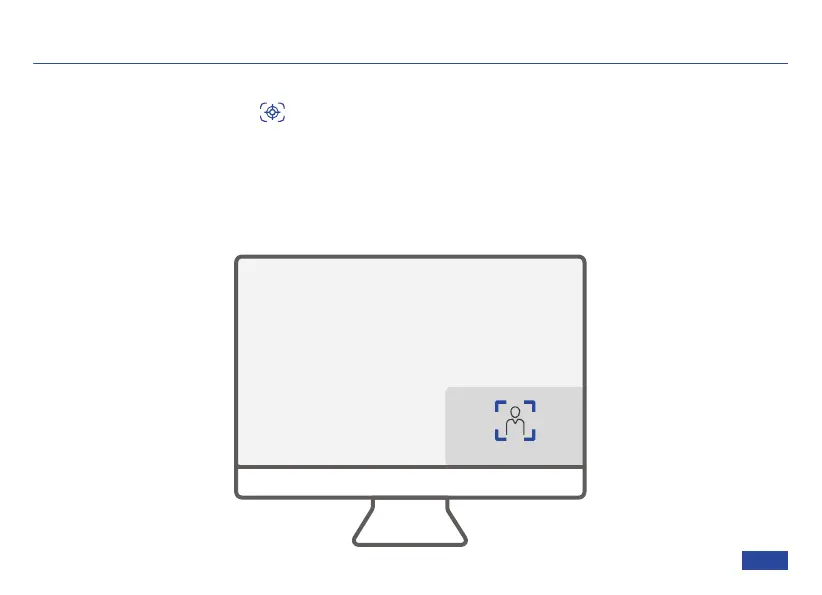
Step 1: Press the PiP button or select it from the OSD menu to enable picture-in-picture
mode. A small window will appear at the bottom right of the frame.
Step 2: In picture-in-picture mode, the small frame can automatically track you, while the large
frame can zoom in / out or pan and tilt to your liking. Please note that any changes to exposure
or color settings will apply to both frames.
See the picture below for a representation of how PiP is supposed to look.
ePTZ View
Auto Framing View
US 01EN 30


 To Next Page