Q4: When the camera is on, why am I seeing constant flickering and video flashes?
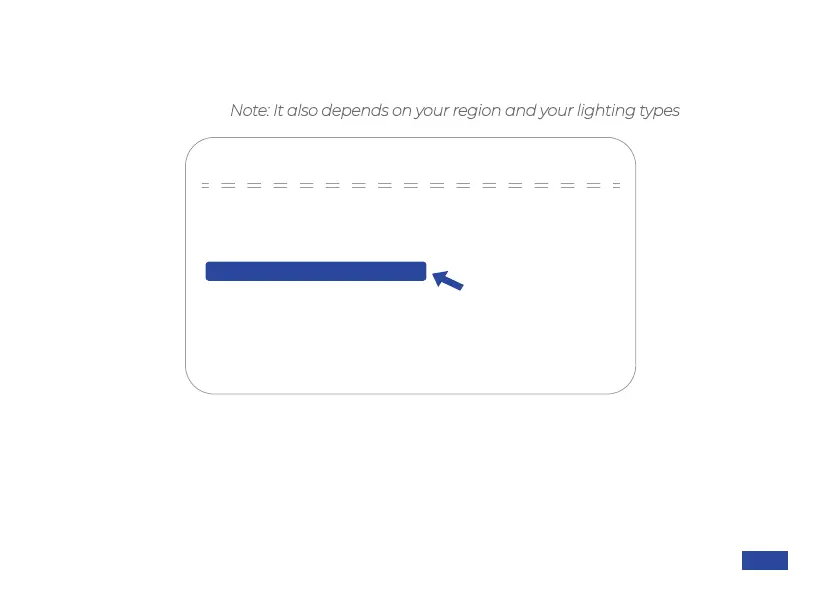
A: This might be due to lighting inconsistencies in your room. You can navigate to the OSD
Menu > Exposure > Flicker Reduction, and change the flicker response rate to either 50Hz or
60Hz as pictured below (Note: It also depends on your region and your lighting types).
EXPOSURE
→Mode Auto
Expo comp OFF
Picture in Picture OFF
60HzFlicker Reduction
Gain Limit 3
Dynamic Range 2
[Menu ≡]Return
[↑↓]Select [← →]Change Value
US 01EN 32


 To Next Page