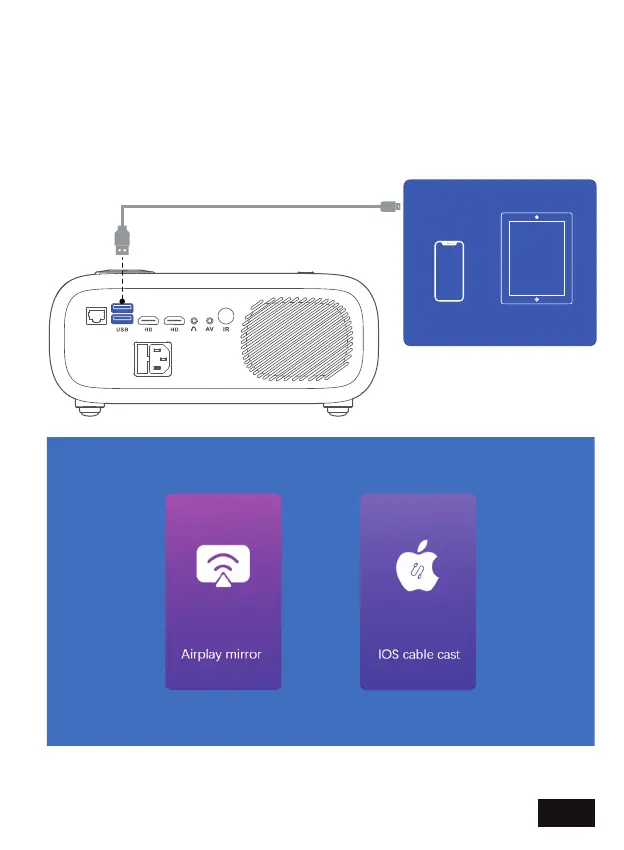
IOS CABLE CAST - Share the screen of your iPhone or iPad using a
USB wired connection.
Plug your iPhone or iPad into one of the USB ports on the projector.
Select Apple Cast from the Home page and then iOS Cable Cast.
After a moment, the phone / tablet will show a message asking "Trust
this device?" — tap "Trust" to finish the connection.
EN 18


 To Next Page