HOW DO I CLEAN THE AIR FILTER?
(WE RECOMMEND CLEANING IT MONTHLY)
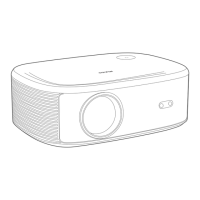
To keep air circulating and prolong the projector's life, please clean
the projector's air filter as follows:
1. Turn off the projector and unplug the power adapter.
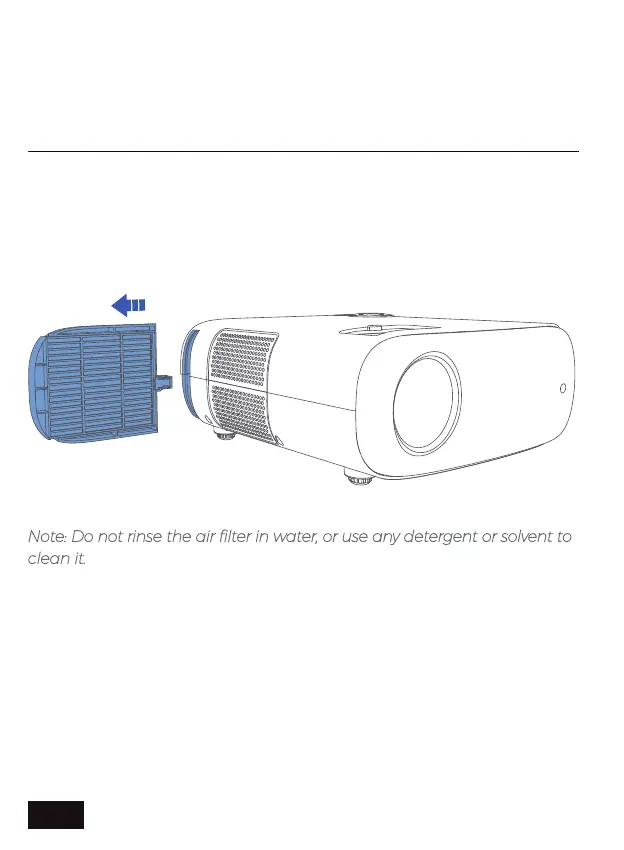
2. Push down on the air filter cover to pop up the air filter. Take the air
filter out of the projector.
Factory data reset: Reset the projector to factory default.
3. Gently remove the dust using a soft brush (such as a paintbrush).
Note: Do not rinse the air filter in water, or use any detergent or solvent to
clean it.
4. Place the air filter back in the projector as shown. Push it down and
hold until it clicks into place.
EN 25


 To Next Page