ENG223
DVD
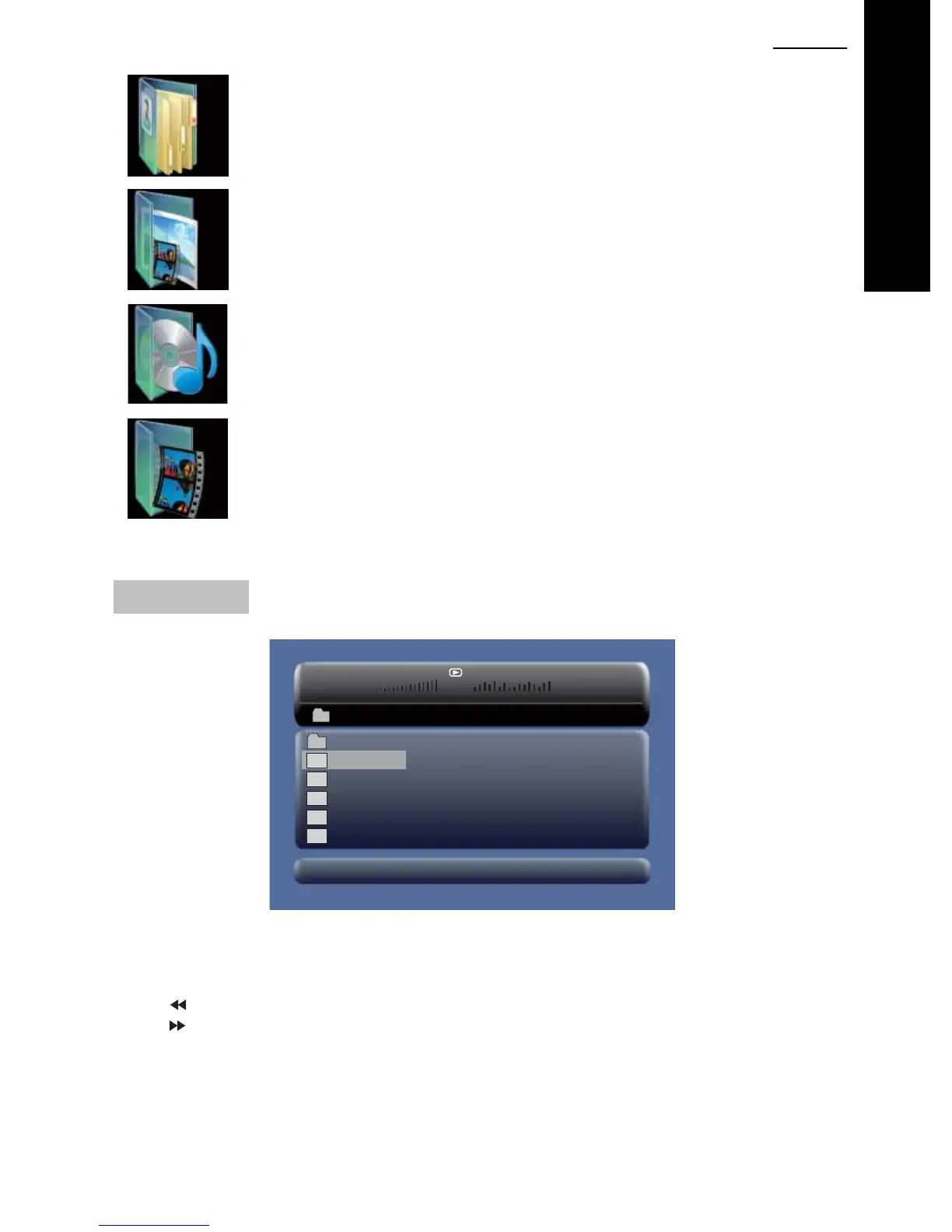
Browser Mode
Photo Mode
Music Mode
Movie Mode
For a detailed explanation of each mode, please see subsequent pages.
Browser Mode
00£00 03£43
001/008
\Ctyy\
......
Mp3
TRACK01
Mp3
TRACK02
Mp3
TRACK03
Mp3
TRACK04
Mp3
TRACK05
In the Browser Mode, the player will show the list of files and folders on the selected device
(SD/MMC or USB).
Press the Up, Down button to highlight the required file and press “ENTER” to play.
Press “
” to enter the folder.
Press “
” to exit the folder.
Note: If you want to return to the Main Menu, first, the system must be displaying the List of files
and folders, and then you can press the "RETURN" KEY to return to the Main Menu.



 To Next Page