30 ENG
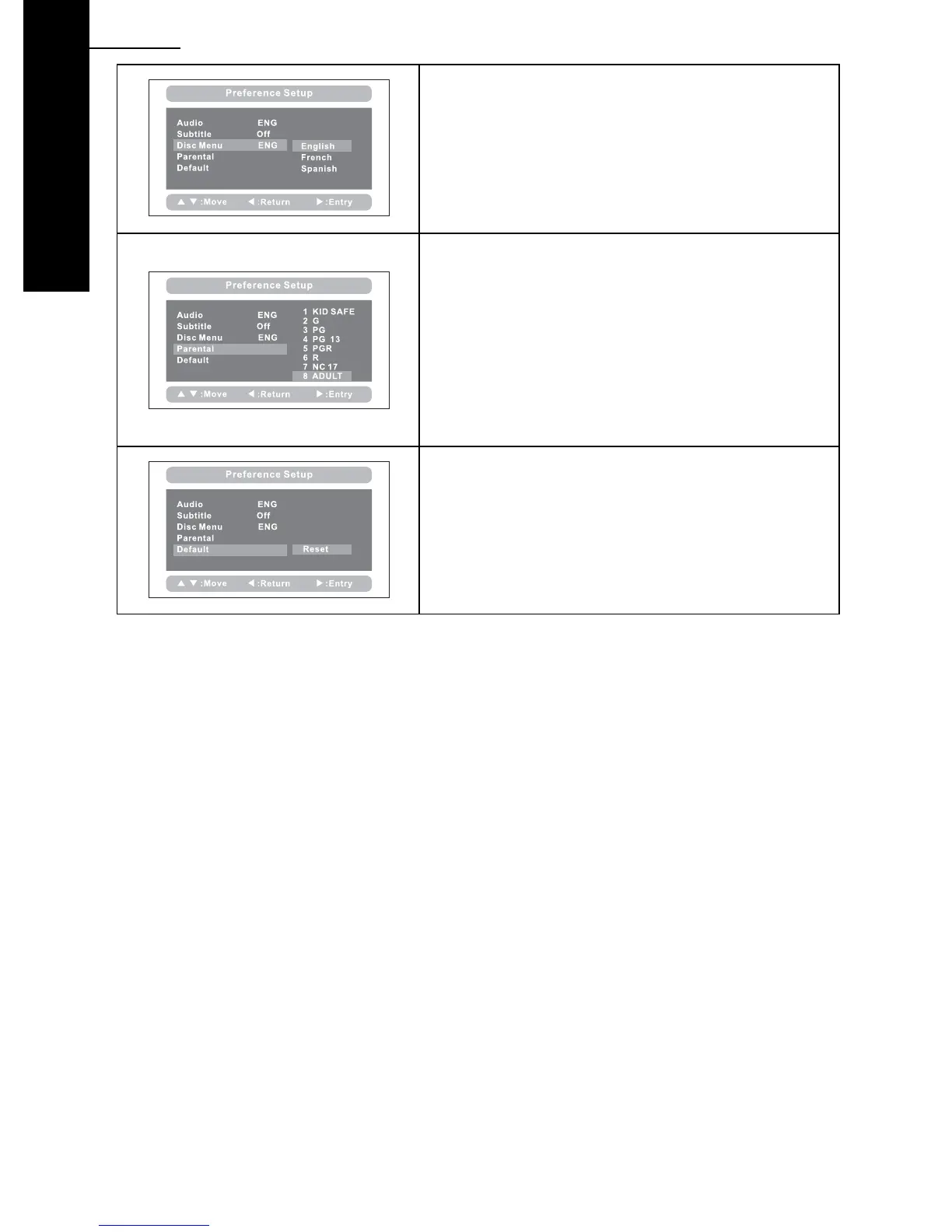
Disc Menu:
This function allows you to choose the menu
language from the DVD disc.
Default is English.
The disc menu language depends upon the
information available upon each disc.
Parental:
Enter this option to set the parental control level, to
prevent unsuitable disc scenes being watched by
children.
Optional parental control levels: KID SAFE, G, PG, PG
13, PGR, R, NC17, ADULT.
The default of this option is ADULT.
The default password: 8888.
Default:
Select this item and press the “ENTER” button to
reset all settings to the original factory settings.
This includes reset of the region setting to
multiregional.



 To Next Page