1
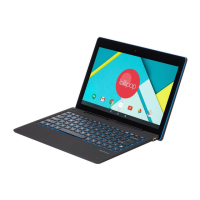
Accessories
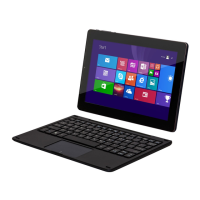
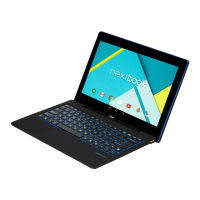
Keyboard AC/DC Adaptor
Features & Functionality
Overview
Reads and writes files stored on a microSD card.
2. Charging indicator Indicates the battery-charge status.
3. HDMI port
Connect HD television via optional HDMI cable, for switching
the display to wider screen.
Connect USB devices, via an optional USB conversion
cable, for transferring data, music, photos, videos, and so
Connect the supplied power adapter for charging the battery.
Provides sound input while making calls using web-based
apps.
7. Audio port (3.5 mm)
Connect a headset, headphones, microphones, or other
audio equipment to listen to stereo sound, record audio, or
8. Sustaining port (female)
Fix and sustain the connection to external keyboard.
9. Pogo pin connector
Connect external keyboard
Capture a front view picture or record videos.
Use while making video calls.
Captures pictures or videos.
10.1” Tablet PC with Windows 8.1 System
Quick Start Guide
NXW101QC232
Ver.1.0






 To Next Page
