Step 4 of 10
Connect to Nexx Garage WiFi network
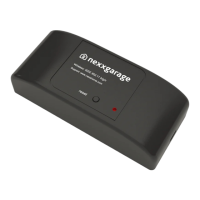
Power your Nexx Garage device. The LED light from the
device should be solid green.
From your smart phone, go to WiFi settings and select
"NexxGarage-xxxxxxxx" WiFi network. Enter "12345678" for
password. Enter only numbers, no quotation marks.
Example from iOS


 To Next Page
 Loading...