User Manual
Version 5.3
6.2.2 Activating/deactivating zones:
1. Enter the access code.
2. Press the zone key to activate/deactivate it.
3. Fail indication LED of each zone will be ON when the zone is not active and OFF when the zone is active or in steady-state.
6.2.3 Sounder silencing:
1. Enter the access code.
2. Press the Sounder key to silence the sounder and press it again to reactivate it.
3. Sounder key has a LED that blinks fast when the sounder is muted and remains ON when the sounder is active.
6.2.4 Reset:
1. Enter the access code.
2. Press Reset key to reset the fire alarm panel.
Note: Zone circuits are supplied and monitored only 30 seconds after fire alarm panel reset.
6.2.5 Activating/deactivating 'Delay Mode':
1. Enter the access code.
2. Press Delay Mode key to activate/deactivate 'Delay Mode'.
7 - Configuration:
To enter configuration mode it is necessary to remove the frontal and switch the position of the jumper JP1 to ON position.
Note: This actions should only be performed by specialized technicians.
The control unit will reset and enter configuration mode. Main alarm LED and main fail LED will blink slowly.
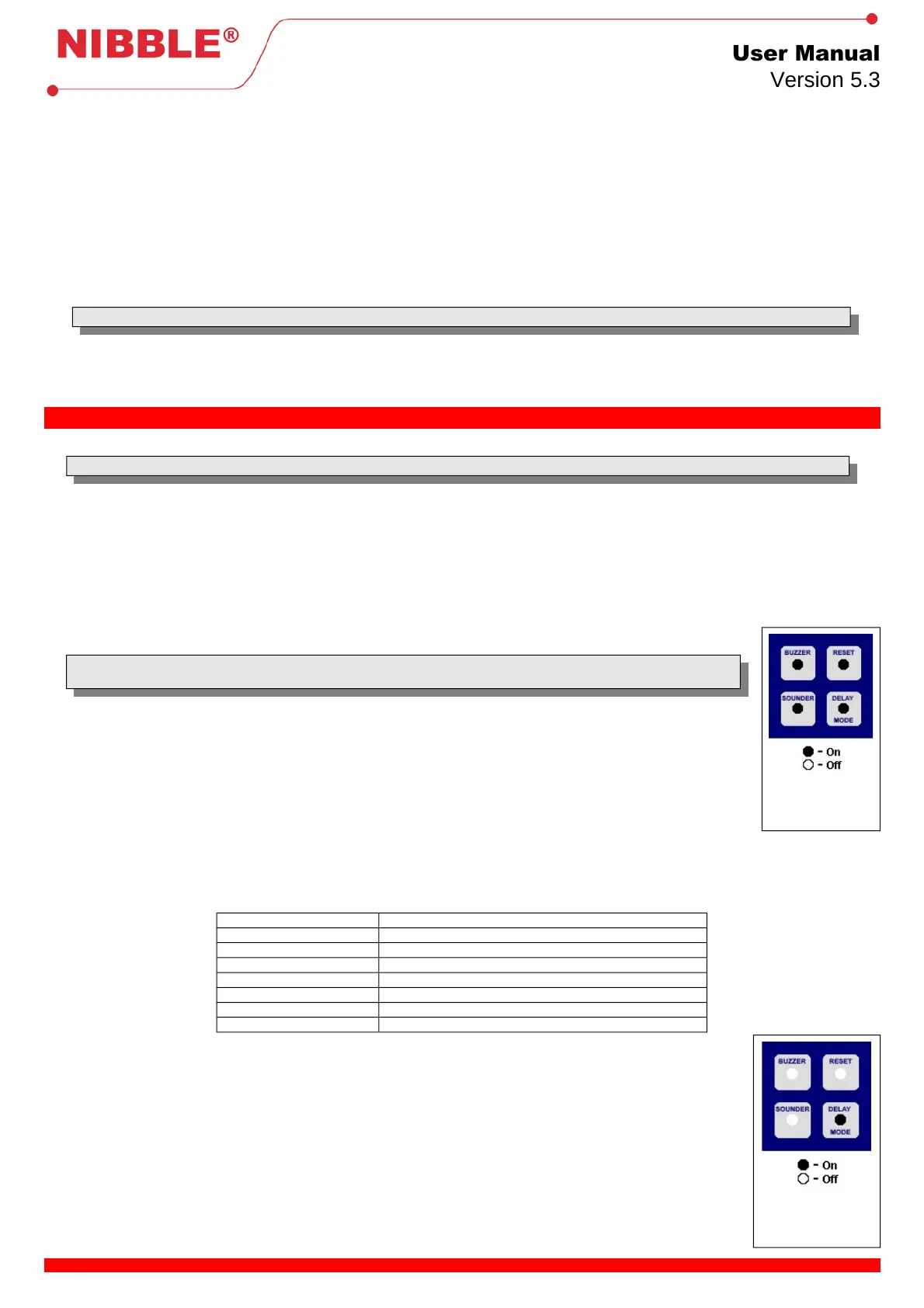
The available configurations are grouped and the selected group in each moment is indicated through LEDs associated to keys Buzzer, Sounder,
Reset and Delay Mode.
It is possible change the selected group using Buzzer (forward) and Sounder (backward) keys.
To select a group press Delay Mode key (enter) and to leave a group press Reset key (cancel).
Whenever a group is selected, LEDs of keys Buzzer, Sounder, Reset and Delay Mode blink fast, and stay ON when the group is not selected.
A double beep is emitted to signal a successful operation, and a single beep otherwise
7.1 General:
These general configurations allow to change the access code and to reset all parameters to the default ones.
Note: Resetting the parameters to the default values will also set the access code to the default one (Buzzer,
Sounder, Sounder, Buzzer).
7.1.1 Change access code:
1. Press Z1 key.
2. A double beep is emitted.
3. Enter new code using any combination of keys Buzzer, Sounder, Reset and Delay Mode. Code maximum length: 9
keys; if exceeded the extra keys will be rejected and an error beep will be emitted.
4. Press Z1 key to confirm and Z2 key to cancel.
5. A double beep will be emitted in case of a successful operation and a single beep otherwise, backing to the previous
state.
7.1.2 Replace original parameters:
1. Press Z2 key.
2. The parameters will be replaced to the default ones (Table 2) and a double beep will be emitted, backing to the previous state.
Relay 1 Signals general alarm.
Relay 2 Signals all faults.
Delay Mode Active, 30 seconds
Intelligent zones All
Automatic zones None
Auxiliary outputs All signal fire alarm at corresponding zone
Access code Buzzer, Sounder, Sounder, Buzzer
Maintenance Disabled
Table 2: Original parameters
7.2 Delay mode:
The delay of a fire alarm, used in Delay Mode, is configurable and can be set to: 0s, 15s, 30s, 1min, 2min, 3min.
1. Press Buzzer and Sounder keys to increase and decrease the delay time.
2. The delay is associated to LEDs: Main power, 24VDC Fuse, Earth, Battery and Battery state. A delay of 0s
corresponds to all LEDs OFF and the maximum delay time corresponds to all LEDs ON.
3. Press Delay Mode key to accept and Reset key to cancel.
4. A double beep will be emitted in case of a successful operation, and a single beep otherwise, backing to the
previous state.
6 / 8
selected.
selected.


 To Next Page
 Loading...