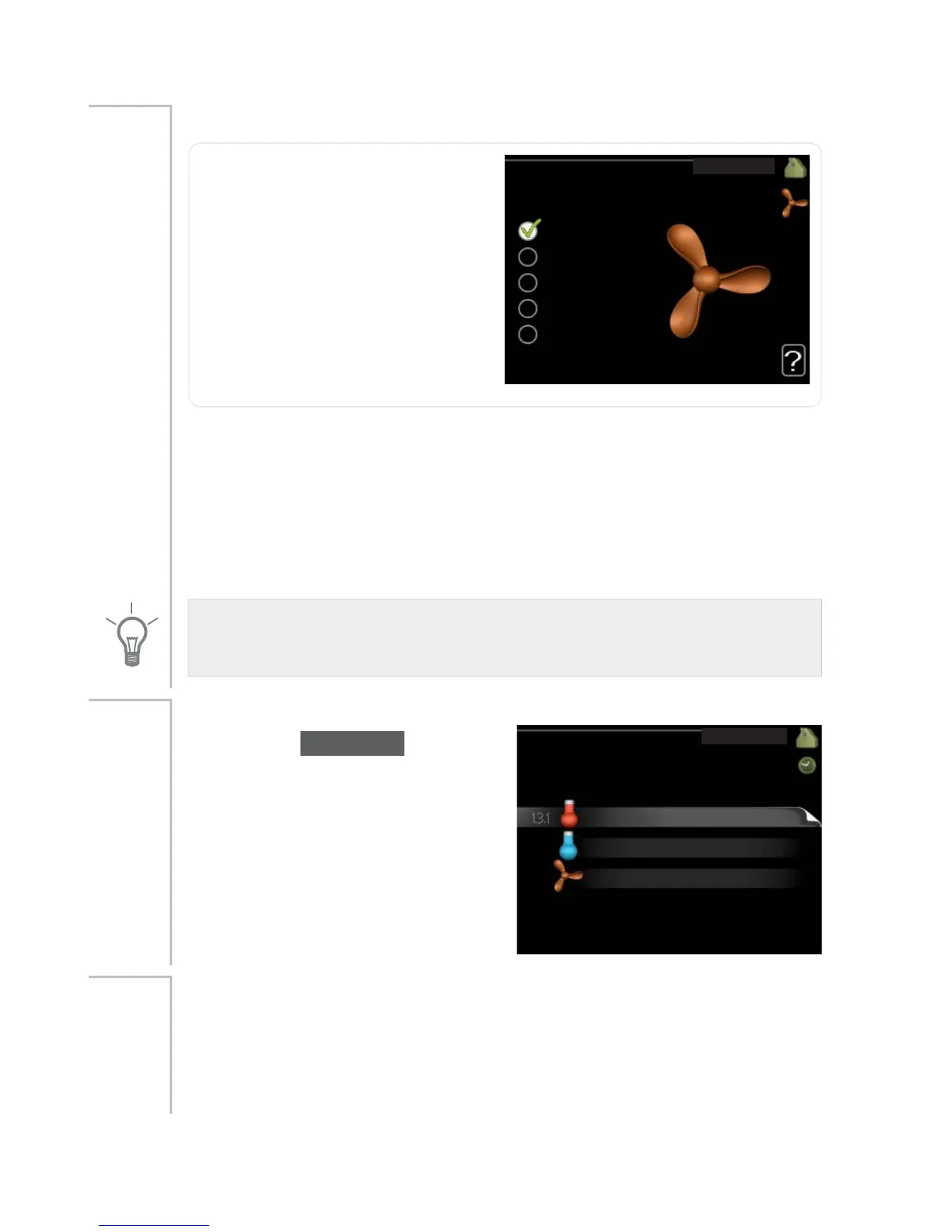
ventilation (accessory required)
QRUPDO
YHQWLODWLRQ
VSHHG
VSHHG
VSHHG
VSHHG
Setting range: normal and speed
1-4
Default value: normal
Menu
1.2
The ventilation in the accommodation can be temporarily increased or
reduced here.
When you have selected a new speed a clock starts a count down. When
the time has counted down the ventilation speed returns to the normal
setting.
If necessary, the different return times can be changed in menu 1.9.6.
The fan speed is shown in brackets (in percent) after each speed alternative.
TIP
If longer time changes are required use the holiday function or scheduling.
scheduling
VFKHGXOLQJ
FRROLQJ
YHQWLODWLRQ
RII
RII
KHDWLQJ
RII
In the menu scheduling indoor cli-
mate (heating/cooling/ventilation) is
scheduled for each weekday.
You can also schedule a longer period
during a selected period (vacation) in
menu 4.7.
Menu
1.3
heating
Increases or decreases in the accommodation temperature can be sched-
uled here for up to three time periods per day. If a room sensor is installed
Menu
1.3.1
and activated the desired room temperature (°C) is set during the time
period. Without an activated room sensor the desired change is set (of
setting in menu 1.1). One step is usually enough to change the room
25NIBE™ F1145Chapter 3 | F1145 – at your service



 To Next Page