Adjusting: The desired fan speed is set here.
Conflict: If two settings conflict with each other a red exclamation mark
is displayed.
TIP
If you wish to set similar scheduling for every day of the week start by
filling in “all” and then changing the desired days.
Caution
If the stop time is before the start time it means that the period extends
past midnight. Scheduling always starts on the date that the start time is
set for.
A significant change over a longer period of time may cause poor indoor
environment and worse operating economy.
advanced
DGYDQFHG
KHDWLQJ FXUYH
H[WHUQDO DGMXVWPHQW
PLQ IORZ OLQH WHPS
URRP VHQVRU VHWWLQJV
FRROLQJ VHWWLQJV
IDQ UHWXUQ WLPH
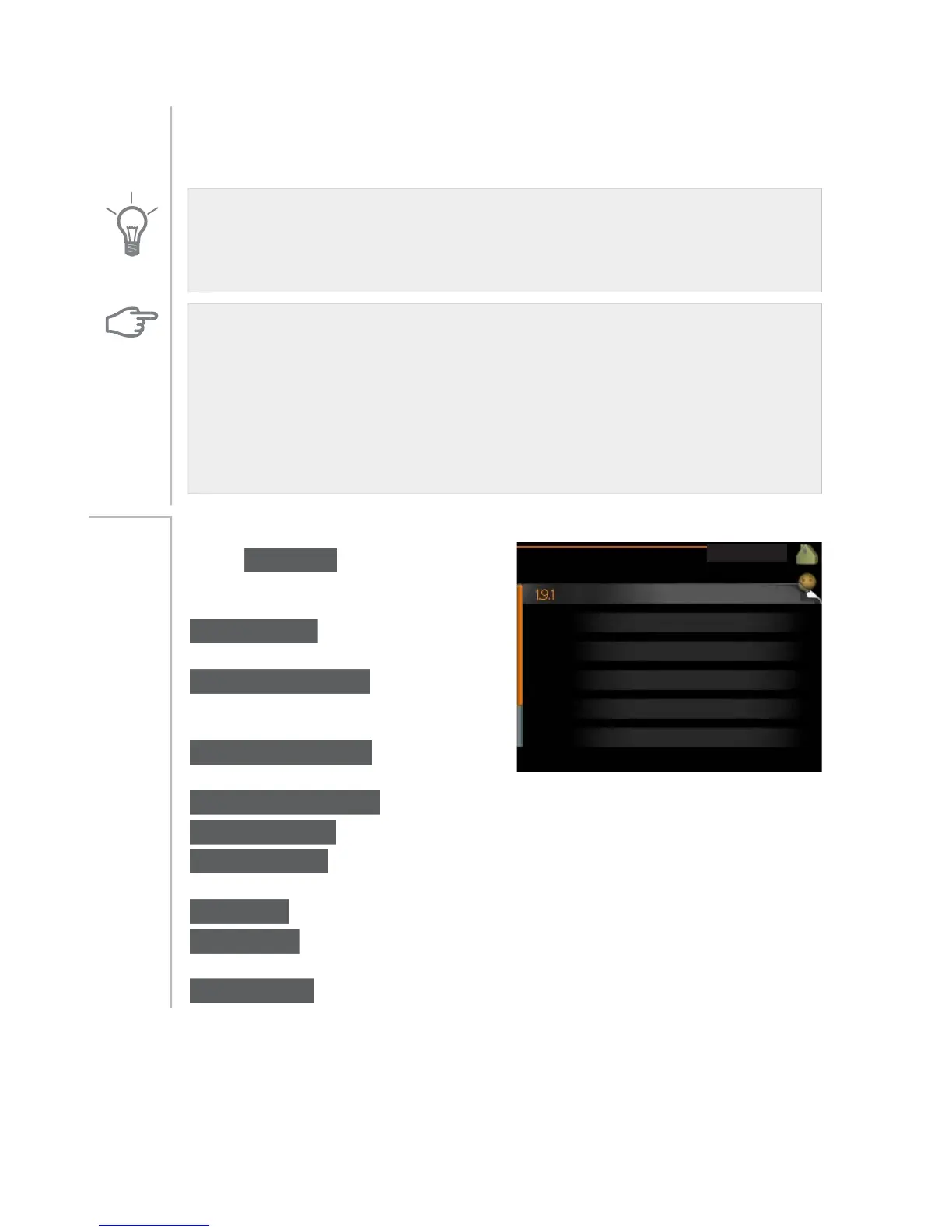
Menu advanced has orange text and
is intended for the advanced user. This
menu has several sub-menus.
heating curve Setting the heating
curve slope.
external adjustment Setting the heat
curve offset when the external contact
is connected.
min. flow line temp. Setting minim-
um permitted flow line temperature.
Menu
1.9
room sensor settings Settings regarding the room sensor.
cooling settings Settings for cooling.
fan return time Fan return time settings in the event of temporary ventil-
ation speed change.
own curve Setting own heat curve.
point offset Setting the offset of the heating curve at a specific outdoor
temperature.
night cooling Setting night cooling.
29NIBE™ F1145Chapter 3 | F1145 – at your service



 To Next Page