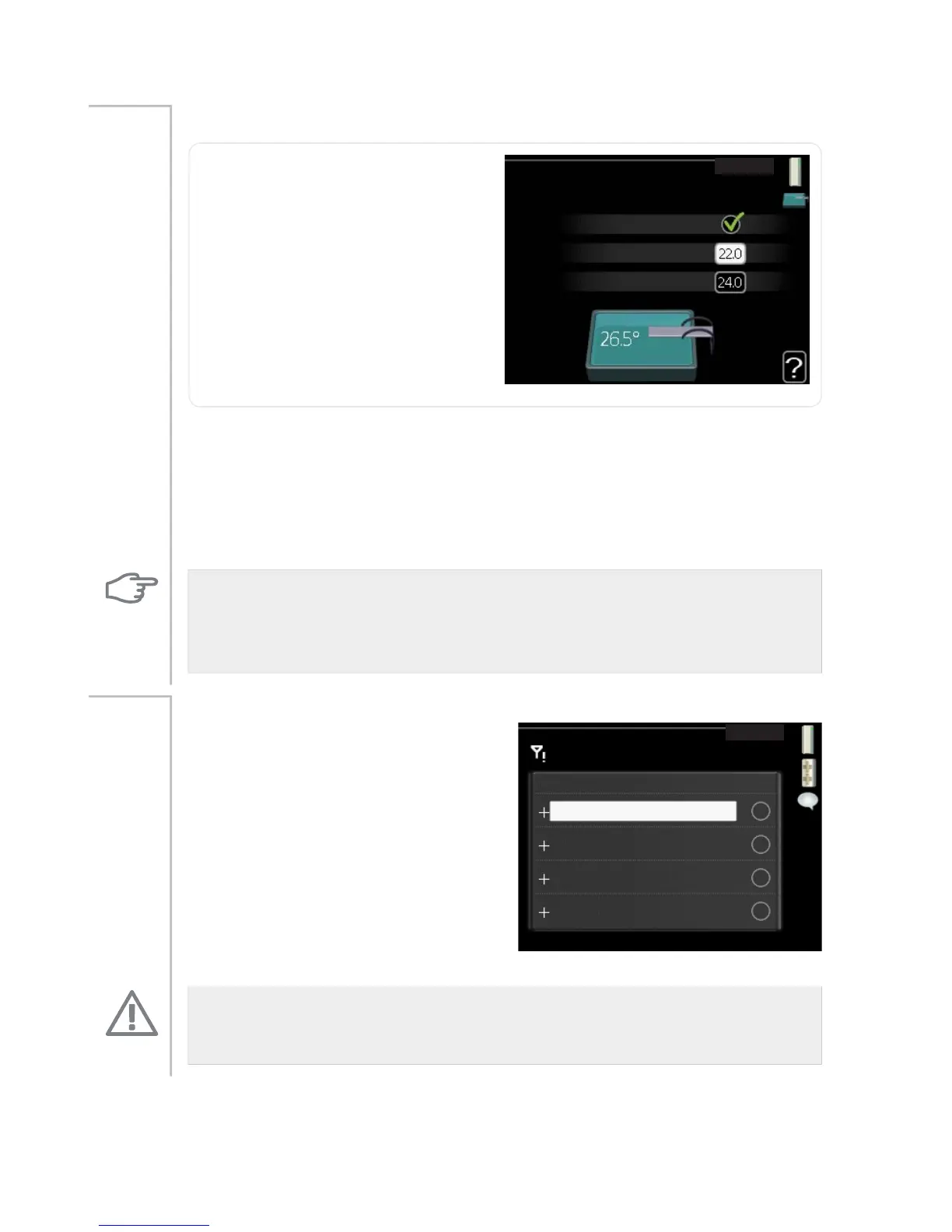
pool 1 - pool 2 (accessory is required)
pool4.1.1
activated
start temp
stop temperature
°C
°C
start temp
Setting range: 5.0 - 80.0 °C
Default value: 22.0 °C
stop temperature
Setting range: 5.0 - 80.0 °C
Default value: 24.0 °C
Menu
4.1.1 -
4.1.2
Select whether the pool control is to be activated, within what temperat-
ures (start and stop temperature) pool heating must occur and how many
compressors may work against the pool at the same time.
When the pool temperature drops below the set start temperature and
there is no hot water or heating requirement, F1145 starts pool heating.
Untick "activated" to switch off the pool heating.
Caution
The start temperature cannot be set to a value that is higher than the stop
temperature.
sms (accessory is required)
SKRQH QXPEHU
DODUP UHFHLYHU
VPV
Make settings for the accessory SMS
40 here.
Add the mobile numbers that are to
have access to change and receive
status information from the heat
pump. Mobile numbers must include
country code e.g. +46 XXXXXXXX.
If you want to receive an SMS mes-
sage in the event of the alarm mark
the box to the right of the telephone
number.
Menu
4.1.4
NOTE
Telephone numbers provided must be able to receive SMS messages.
53NIBE™ F1145Chapter 3 | F1145 – at your service



 To Next Page