12
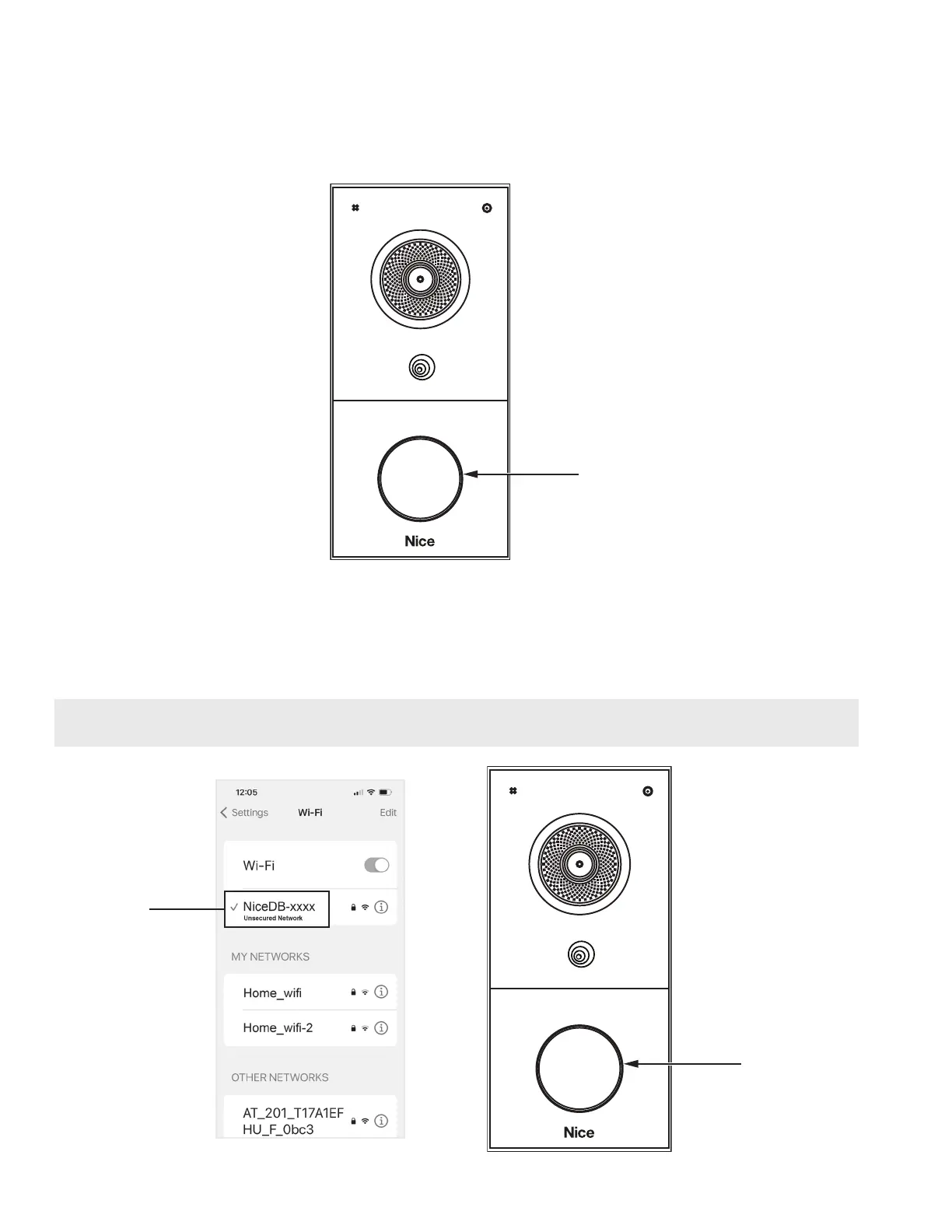
6. Before Network Pre-conguration mode expires, long press the Call button for 3 seconds to
enter the Network Conguration mode.
7. The device will automatically enable the hotspot feature while creating a hotspot access
connection named “NiceDB-xxxx” with no access password (xxxx = last four digits of the
device’s unique MAC address).
Call
Button
Blue
8. Open the WLAN feature on your mobile phone. Find the Wi-Fi named NiceDB-xxxx (xxxx = last
four digits of the device’s unique MAC address).
9. Click Connect. During this process, the Call button BLUE light will keep ashing.
10. Complete the device Network conguration on your mobile phone via Hotspot.
NOTE: The Network Pre-conguration mode and Network Conguration mode expire after 5
minutes.
Wi-Fi
Name


 To Next Page