17
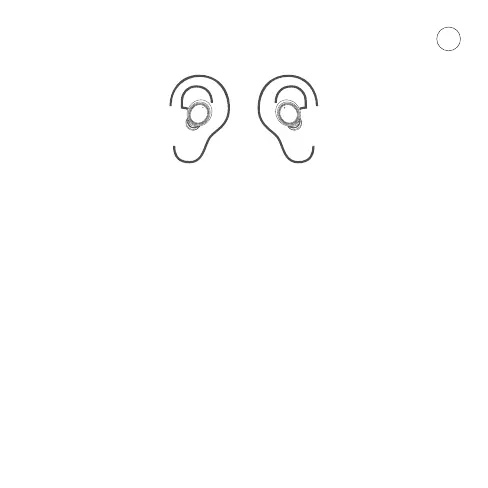
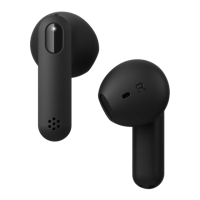
Put the earphones on as illustrated, wearing them incorrectly may
result in audio drop-out or low quality audio play back. You will nd
spare ear-pieces in the sales box. Fit them correctly otherwise the
earphones may fall out.
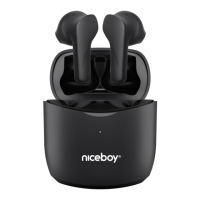
CHARGING BOX
Use the USB cable included in the box if charging the case itself.
Connect it to a 5-volt charging adapter (a charging current of no less
than 1 amp is recommended). Alternatively, connect to a PC USB port.
Once connected like this, the LED indicator (5) will start ashing and will
stay permanently lit after about 4 hours to indicate full charge.
Charging box internal battery capacity status
Press the button (6) to check the battery status. The LED indicator (5)
on the charging case reects the current battery capacity:
1 LED = 25%
2 LEDs = 50%
3 LEDs = 75%
4 LEDs = 100%
EN
CORRECT WEARING OF EARPHONES









 To Next Page