18
FIRST STARTUP
1. Take out one headphone from the charging box. As soon as the
diode starts to ash orange and white, press the control button on
the headphone twice.
2. As soon as the diode starts to ash white, press the control button
three times. The diode will then ash orange. As soon as the diode
starts to ash white, set the headphone aside from the box.
3. Repeat the same steps with the other headphone.
4. When the diode on the left headphone starts to ash white and the
right headphone starts to ash orange, place both headphones into
the charging box.
5. After restarting, the left and right headphones will no longer be
paired together. It is necessary to connect the headphones together
once more (see the next point) before you connect them to your
device.
USAGE – TURNING OFF & ON
Turning o:
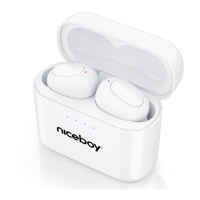
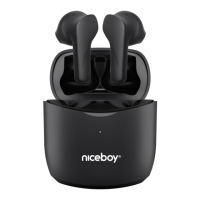
The earphones need not be turned o manually, putting them into the
charging case is enough. They will automatically disconnect from your
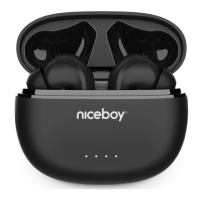
device and start charging. The earphones are inserted correctly in the
box when the orange LED (1) lights up on both of them. When fully
charged (from 0 to 100% in about 2 hours), the LEDs will turn o.
TIP: Tiny magnets should help the earphones slide smoothly into the case,
bringing them into contact with the charging pins. If the orange LEDs fail to
light up, replace the earphones softly in the case
EN



 To Next Page