21
SECURITY & PROTECTION
The following common sense hints will help to maximise the
security of your system.
• don’t use obvious codes such as 1234, or 888
• change codes on a regular basis
• ensure that knowledge of management and toggle codes
is appropriately restricted
The Presco™ system has a high immunity to all types of
static, EMF, and RF transmissions including those of police
and CB radio systems. Reverse polarity and over voltage
protection from lightning strike up to 10kV is provided.
OTHER MODELS AND ACCESSORIES
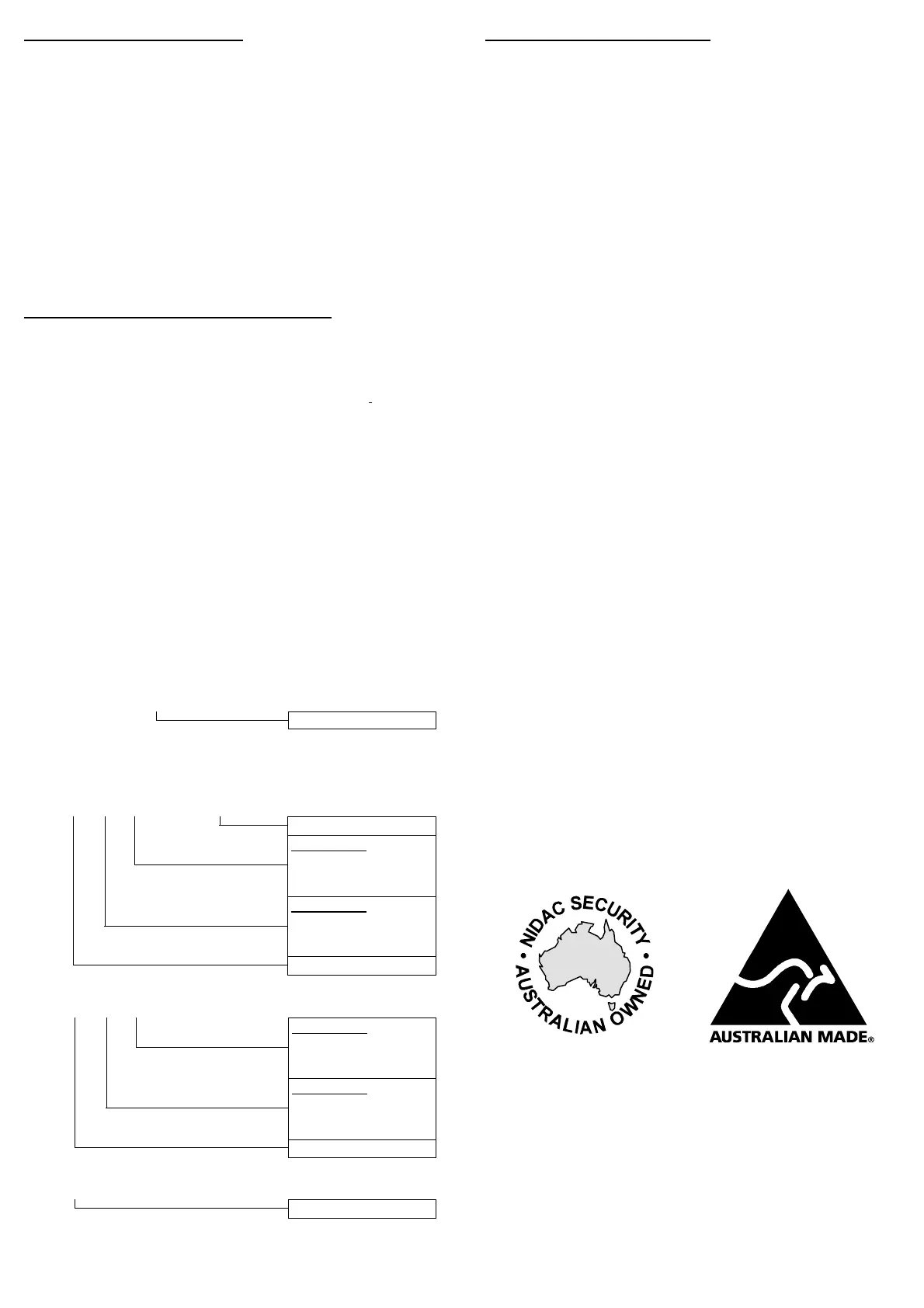
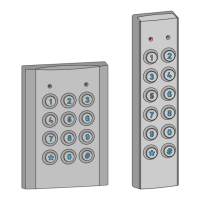
PRE Presco™ keypad encoder for Presco™ decoder.
PSE Presco™ Stainless Steel vandal and weather
resistant keypad encoder for Presco™ decoder.
PIM Presco™ Interface Module for Dallas iButton™,
Clock & Data (Magnetic Card) or Wiegand readers.
PAC1 Single Door Access Controller.
PRX Presco™ proximity card reader for PAC1, PAC2 or
Wiegand input controller.
CT1 User configurable general purpose timer module.
22
PROGRAMMING SUMMARY
Note: The d shown in the programming sequences must be
replaced by a 1 for door 1 or 2 for door 2.
Enable/Disable Automatic Relock. (default = enabled)
*, 8, 0, d, x, E. x = 0 for disabled, x = 1 for enabled.
Select EGRESS switch type. (default = N.O.)
*, 8, 1, d, x, E. x = 0 for N.O., x = 1 for N.C.
Select ELC relay type. (default = N.O.)
*, 8, 2, d, x, E. x = 0 for N.O. (fail secure), x = 1 for
N.C. (fail safe).
Set ELC operating time. (default = 10 seconds)
*, 8, 3, d, xxx, E. xxx = 1 to 255 (seconds).
Enable/Disable DOOR input. (default = disabled)
*, 8, 4, d, x, E. x = 0 for disabled, x = 1 for enabled.
Set DOTL timer. (default = 60 seconds)
*, 8, 5, d, xxxx, E. xxxx = 0 to 9999 (seconds).
Enable/Disable Door Forced detection. (default = enabled)
*, 8, 6, d, x, E. x = 0 for disabled, x = 1 for enabled.
Enable/Disable 1 minute lockout. (default = disabled)
*, 8, 7, d, x, E. x = 0 for disabled, x = 1 for enabled.
Select Use Two Codes mode. (default = One User Code)
*, 8, 8, d, x, E. x = 0 for One User Code Only, x = 1
for Any Two User Codes, x = 2 for Code 000 or 001 and
any other code, x = 3 for Sequentially Numbered User
Codes.
Set Two Codes timing. (default = 60 seconds)
*, 8, 9, d, xxx, E. xxx = 1 to 255 (seconds).
23
Program or change the Management Code.
*, 9, E “code”, E.
New Management Code
Delete the Management Code.
#, 9, E.
Program a User Code.
*, nnn, m1, m2, E “code”, E.
New User Code
Door 2 Mode
0 = Disabled
1 = Momentary
2 = Toggle
Door 1 Mode
0 = Disabled
1 = Momentary
2 = Toggle
Memory No. 000 to 399
Change an existing User Code’s operating mode.
*, nnn, m1, m2, E.
Door 2 Mode
0 = Disabled
1 = Momentary
2 = Toggle
Door 1 Mode
0 = Disabled
1 = Momentary
2 = Toggle
Memory No. 000 to 399
Delete a User Code.
#, nnn, E.
Memory No. 000 to 399
Exit Program Mode.
#, 9, 9, E.
Revision 3.0
100%
Designed and Manufactured by:
NIDAC SECURITY PTY. LTD.
2 CROMWELL STREET
BURWOOD, VICTORIA Tel: (03) 9808 6244
AUSTRALIA 3125 Fax: (03) 9808 9335


 To Previous Page