18
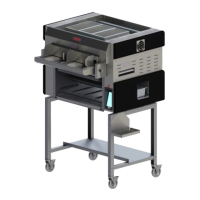
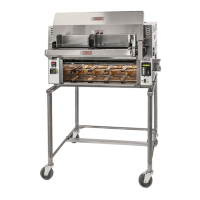
Nieco Corporation - Model MPB94
FLEX SIDE CONTROLS
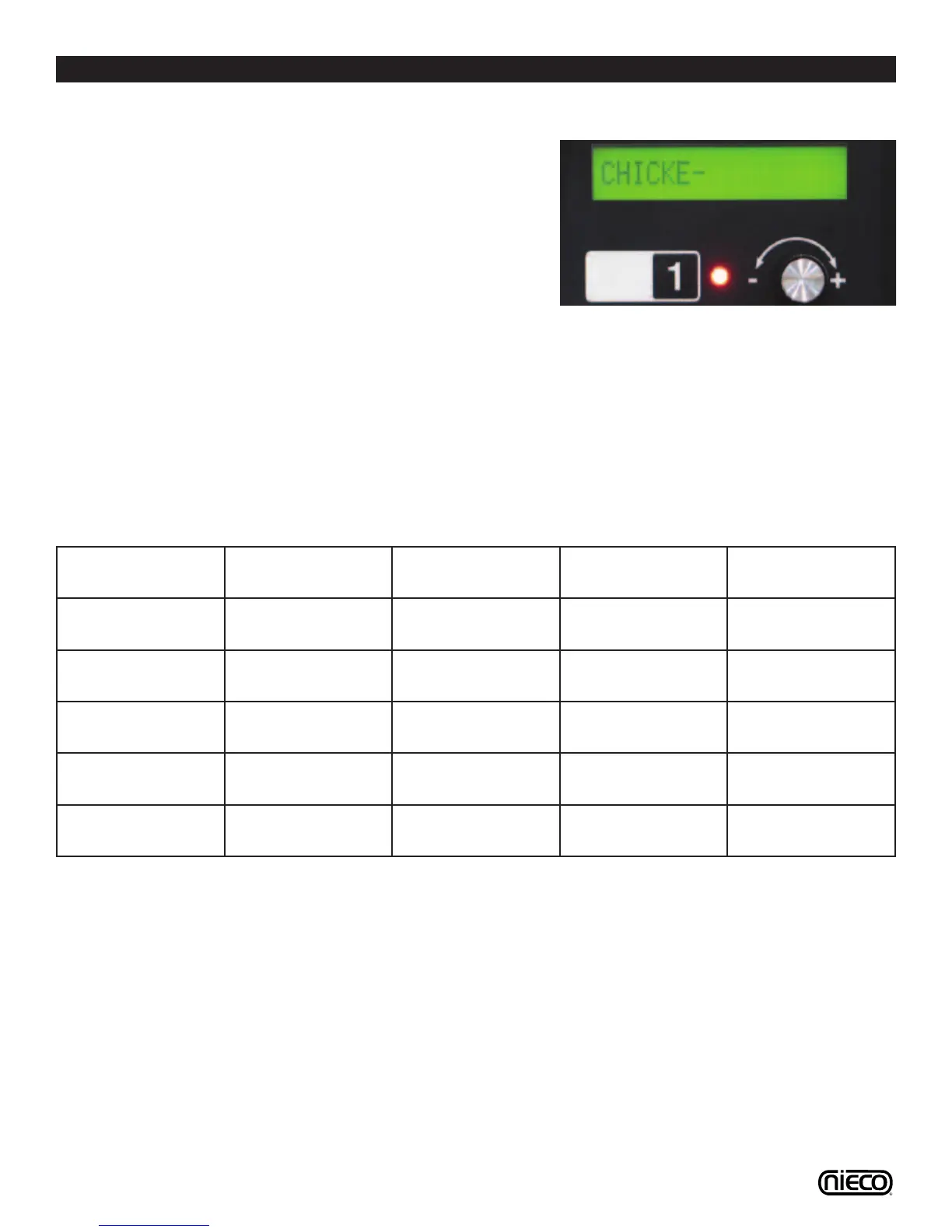
6. Changing Product Names
Push the product selection button which
you want to make a name to. Press and
hold the KNOB in for 15 seconds. The
control will enter the edit name screen for
that button. Turn the knob to change the
characters. Press the knob once to move
to the next character until you are fin-
ished editing the product name for that
button (10 character limit). Press and
hold the PRODUCT SELECTION BUT-
TON for 5 seconds to save the changes
and return to normal operation.
7. Factory Presets
The MPB94 uses the following factory
presets for the Multi-Product Control:
Product
Selection Button
Product Name Cook Time Duty Cycle Burner Yes/No
1 Chicken 5:00 100% NO
2 Steakhouse 2:40 100% YES
3 Product 3 7:00 50% NO
4 Product 4 7:00 50% NO
5 Burger 2:15 100% YES
6





 To Next Page