EasyManua.ls Logo

Night Owl C50X Series - User Manual

Night Owl C50X Series
86 pages
Print Icon
To Next Page IconTo Next Page
Loading...
1
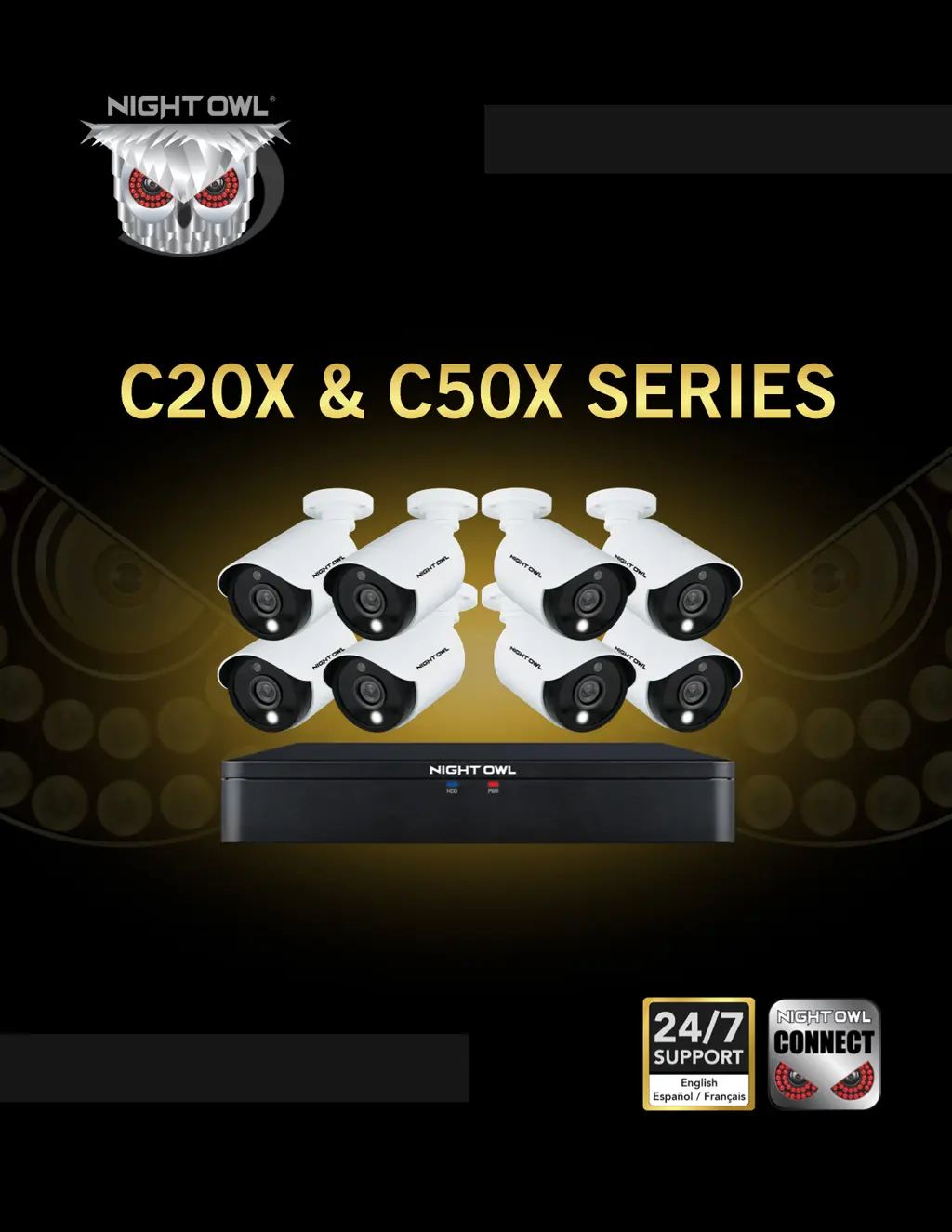
C20X & C50X SERIES
www.NightOwlSP.com
USER’S MANUAL

Questions and Answers

  • J
    Jamie PetersonAug 5, 2025
    How to turn off beeping on Night Owl C50X?
    • P
      Peggy AtkinsAug 5, 2025
      If your Night Owl Security Camera system beeps during motion detection, it's likely because the alarm buzzer is activated. To disable it, go to Right-Click Menu > Main Menu > Cameras > Motion, select the Channel, and uncheck the Buzzer checkbox.
  • S
    Sharon MillerAug 9, 2025
    What to do if Night Owl Security Camera is not turning on?
    • K
      Kathleen SmithAug 9, 2025
      If your Night Owl Security Camera system isn't powering on, check these potential causes: * Ensure all power adapter cables are correctly and securely connected, both to the camera and the power source. * If cables are connected but the system is not receiving power, make sure the system is powered ON (LED indicators should be ON). If connected to a power bar or surge protector, try connecting directly to the wall outlet. Confirm the outlet has power by testing with another device, such as a phone charger, or try another outlet.
  • E
    emily78Aug 14, 2025
    How to fix Night Owl C50X Security Camera when there is no picture?
    • B
      Brittany RogersAug 14, 2025
      If there is no picture being displayed on selected channels of your Night Owl Security Camera, the camera cables might be loose or disconnected. Check the camera video cable and its connections. Disconnect and then reconnect the cable at both the system and the camera. You might also want to try moving the camera to another channel or using a different cable to see if that resolves the issue.
  • K
    kristinowensAug 18, 2025
    How to fix Night Owl C50X Security Camera when hard drive is full?
    • W
      williamrileyAug 18, 2025
      If the hard drive on your Night Owl Security Camera system is full and the unit has stopped recording, it might be because overwrite is not enabled. To resolve this, go to the Device Menu, then HDD, and make sure that Overwrite is set to Auto.
  • R
    Rebecca ChapmanAug 22, 2025
    Why is there no sound on my Night Owl Security Camera?
    • J
      Jennifer GutierrezAug 22, 2025
      If the image on your Night Owl Security Camera DVR appears but there is no sound, here are a few things to check: * Ensure that the audio cables are securely connected to the DVR. * Verify that the audio channels are not disabled. You can left-click in Live View to access the Volume control and ensure the channels aren't muted or set too low. * If you are using external speakers, check that their volume is appropriately adjusted.
  • B
    brownstephanieAug 27, 2025
    What to do if Night Owl C50X mouse is not detected?
    • W
      William WilsonAug 27, 2025
      If your Night Owl Security Camera system is not detecting the mouse, ensure the mouse cable is firmly connected to the USB Mouse port on the front panel. If that doesn't work, power off the system by disconnecting the power cable, then firmly connect the USB mouse to the USB Mouse port on the front panel. Finally, reconnect the power cable to the DC 19V port on the rear panel.
  • S
    Sandra HoAug 31, 2025
    Why does my Night Owl C50X make a whirring noise?
    • M
      Margaret MillerAug 31, 2025
      If you hear a whirring noise coming from your Night Owl Security Camera system, it simply means the exhaust fan is working normally.

Summary

Chapter 1: FCC Warnings

FCC Compliance Statement

Explains limits for radio frequency interference and user compliance.

Chapter 2: Safety Instructions

Safety Guidelines

Crucial instructions for safe product operation, installation, and handling.

Chapter 3: Specifications

DVR Diagram

Identifies ports, connectors, and labels on the DVR rear panel.

Camera Diagram

Illustrates camera features like resolution, viewing angle, and night vision.

Chapter 7: Menus and Settings

Chapter 10: Troubleshooting

Common Issues and Solutions

Addresses frequent problems with the system and provides step-by-step solutions.

Night Owl C50X Series Specifications

General IconGeneral
Camera TypeBullet
Indoor/OutdoorOutdoor
Weather ResistanceIP66
Night VisionUp to 100 ft.
Motion DetectionYes

Related product manuals