EasyManua.ls Logo

Night Owl CM-C20XL-BU - User Manual

Night Owl CM-C20XL-BU
96 pages
Print Icon
To Next Page IconTo Next Page
Loading...
1
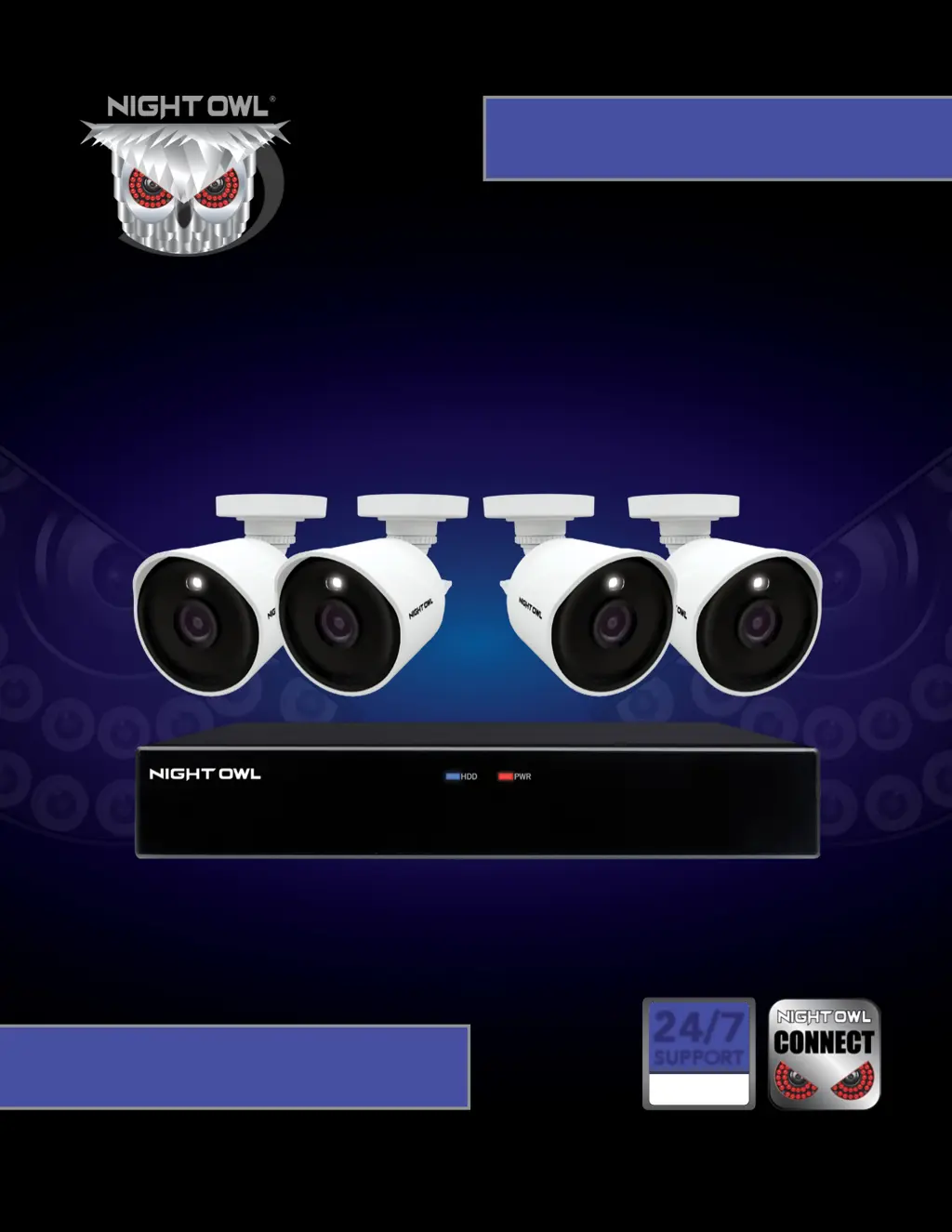
C80XFR SERIES
www.NightOwlSP.com
USER’S MANUAL
24/7
SUPPORT
English
Español / Français
24/7
SUPPORT
English
Español / Français

Table of Contents

Questions and Answers

  • R
    Robert WhiteAug 5, 2025
    How to turn off beeping on Night Owl Security Camera?
    • A
      Andrew ChaseAug 5, 2025
      If your Night Owl Security Camera system beeps during motion detection, it's likely because the alarm buzzer is activated. To disable it, go to Right-Click Menu > Main Menu > Cameras > Motion, select the Channel, and uncheck the Buzzer checkbox.
  • H
    hamptonnathanAug 9, 2025
    What to do if Night Owl CM-C20XL-BU Security Camera is not turning on?
    • S
      Steven RamirezAug 9, 2025
      If your Night Owl Security Camera system isn't powering on, check these potential causes: * Ensure all power adapter cables are correctly and securely connected, both to the camera and the power source. * If cables are connected but the system is not receiving power, make sure the system is powered ON (LED indicators should be ON). If connected to a power bar or surge protector, try connecting directly to the wall outlet. Confirm the outlet has power by testing with another device, such as a phone charger, or try another outlet.
  • J
    jason83Aug 14, 2025
    How to fix Night Owl CM-C20XL-BU when there is no picture?
    • J
      Joshua MunozAug 14, 2025
      If there is no picture being displayed on selected channels of your Night Owl Security Camera, the camera cables might be loose or disconnected. Check the camera video cable and its connections. Disconnect and then reconnect the cable at both the system and the camera. You might also want to try moving the camera to another channel or using a different cable to see if that resolves the issue.
  • M
    Mr. Scott McdowellAug 18, 2025
    How to fix Night Owl Security Camera when hard drive is full?
    • I
      ialvarezAug 18, 2025
      If the hard drive on your Night Owl Security Camera system is full and the unit has stopped recording, it might be because overwrite is not enabled. To resolve this, go to the Device Menu, then HDD, and make sure that Overwrite is set to Auto.
  • B
    Brandon Cohen Jr.Aug 22, 2025
    Why is there no sound on my Night Owl CM-C20XL-BU Security Camera?
    • R
      Robin HamiltonAug 22, 2025
      If the image on your Night Owl Security Camera DVR appears but there is no sound, here are a few things to check: * Ensure that the audio cables are securely connected to the DVR. * Verify that the audio channels are not disabled. You can left-click in Live View to access the Volume control and ensure the channels aren't muted or set too low. * If you are using external speakers, check that their volume is appropriately adjusted.
  • R
    Ryan HooperAug 27, 2025
    What to do if Night Owl CM-C20XL-BU mouse is not detected?
    • M
      Michael KennedyAug 27, 2025
      If your Night Owl Security Camera system is not detecting the mouse, ensure the mouse cable is firmly connected to the USB Mouse port on the front panel. If that doesn't work, power off the system by disconnecting the power cable, then firmly connect the USB mouse to the USB Mouse port on the front panel. Finally, reconnect the power cable to the DC 19V port on the rear panel.
  • M
    Matthew HallAug 31, 2025
    Why does my Night Owl CM-C20XL-BU Security Camera make a whirring noise?
    • T
      Tyler Houston IIAug 31, 2025
      If you hear a whirring noise coming from your Night Owl Security Camera system, it simply means the exhaust fan is working normally.

Summary

Safety Instructions

General Safety Precautions

Lists essential safety guidelines for operating and handling the DVR and cameras.

Camera Installation Guide

Camera Mounting Procedures

Guidelines on how and where to physically mount the security cameras.

DVR Installation Guide

Getting Started with Your DVR

Startup Wizard Configuration

Guide to initial DVR setup, firmware updates, and basic settings via the Startup Wizard.

Night Owl Connect App Setup

Instructions for downloading, creating an account, and connecting the app to your DVR.

Live View and Display Options

Explains how to view live camera feeds and understand on-screen displays and icons.

Menus and Settings Guide

Troubleshooting Guide

Common Issue Solutions

Provides solutions for common problems like power, recording, and mouse detection issues.

Night Owl CM-C20XL-BU Specifications

General IconGeneral
AudioNo
Wired/WirelessWired
Weather ResistanceIP66
Night VisionYes
ConnectivityWired
Power SourceDC 12V
Camera TechnologyAnalog
Indoor/OutdoorOutdoor
IR Distance100 ft
Lens3.6mm
Power SupplyDC 12V

Related product manuals