EasyManua.ls Logo

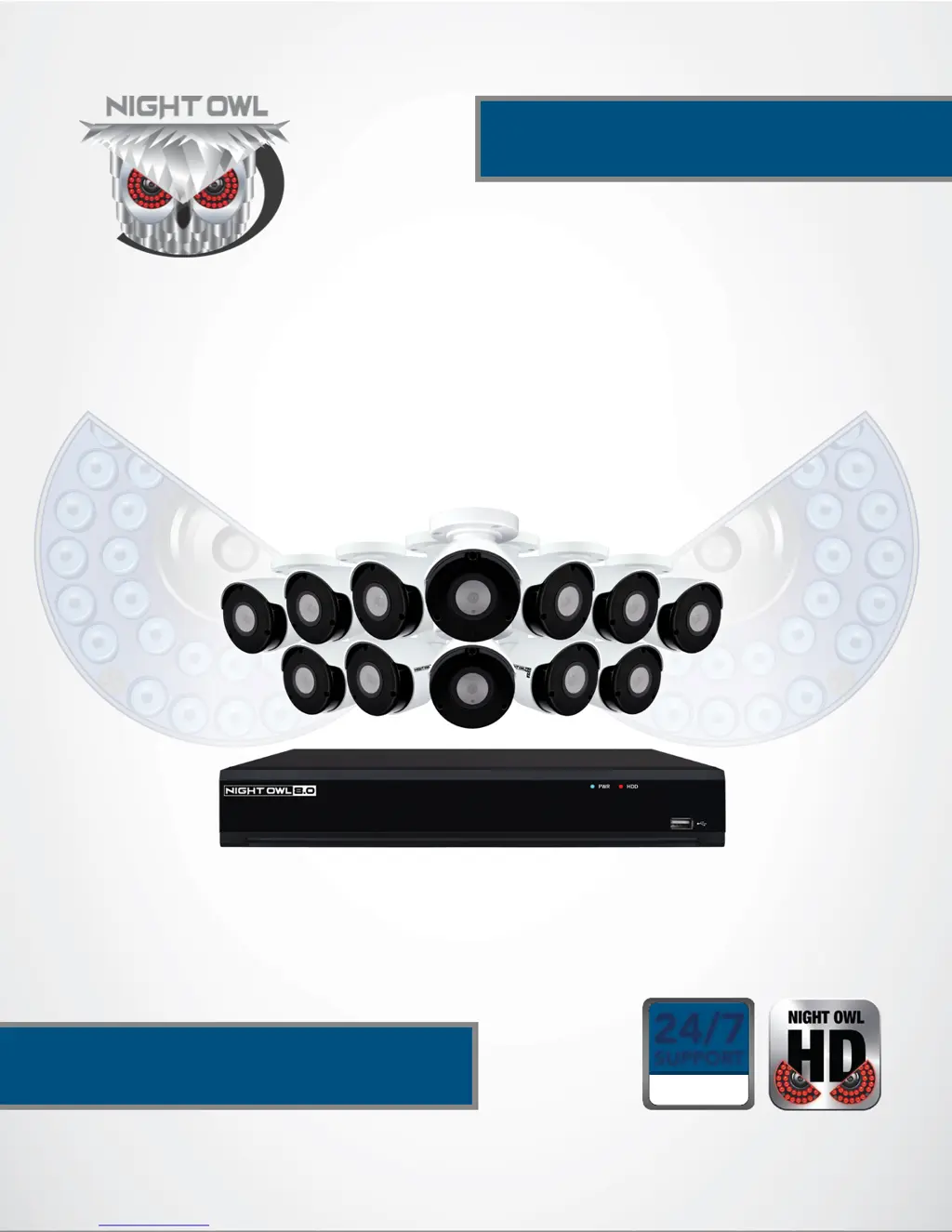
Night Owl CM-IH8-BA - User Manual

Night Owl CM-IH8-BA
87 pages
Print Icon
To Next Page IconTo Next Page
Loading...
1
24/7
SUPPORT
English
Español / Français
IH8 SERIES
USER’S MANUAL
www.NightOwlSP.com

Table of Contents

Questions and Answers

  • J
    Joan MillerAug 9, 2025
    What to do if my Night Owl CM-IH8-BA system is not receiving power?
    • M
      Megan MartinezAug 9, 2025
      If your Night Owl Security Camera system isn't powering up, first, make sure all power cables are correctly and securely connected, including the power adapter at the back of the unit. If the system still doesn't power on, ensure the system is powered ON (check for LED indicators). If connected to a power bar or surge protector, try plugging directly into a wall outlet. Test the outlet by plugging in another device, like a phone charger, or try a different outlet.
  • J
    Judith TorresAug 26, 2025
    What to do if the mouse is not detected by Night Owl CM-IH8-BA Security Camera system?
    • L
      Lisa BartonAug 27, 2025
      If your Night Owl Security Camera system isn't detecting the mouse, ensure the mouse cable is firmly connected to the USB Mouse port on the front panel. If that doesn't work, power off the system by disconnecting the power cable, then firmly connect the mouse to the USB port on the front panel, and reconnect the power cable to the DC 19V port on the rear panel.

Night Owl CM-IH8-BA Specifications

General IconGeneral
BrandNight Owl
ModelCM-IH8-BA
CategorySecurity Camera
LanguageEnglish

Related product manuals