EasyManua.ls Logo

Night Owl HDA SERIES - User Manual

Night Owl HDA SERIES
79 pages
Print Icon
To Next Page IconTo Next Page
Loading...
www.NightOwlSP.com
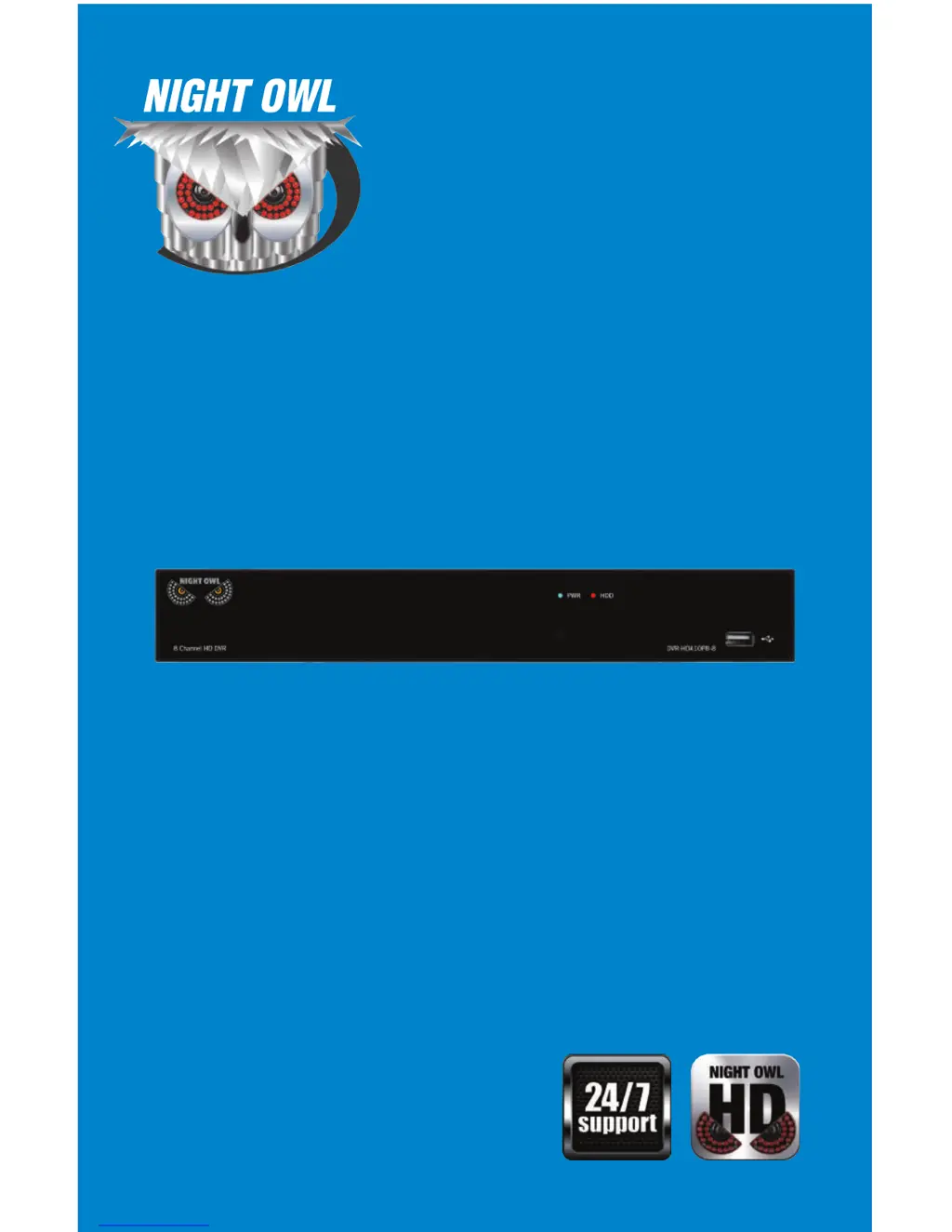
USERS MANUAL
HDA SERIES
8 CHANNEL

Questions and Answers

  • M
    Melissa MartinezJul 31, 2025
    How to troubleshoot Night Owl HDA not receiving power?
    • Z
      Zachary RodriguezJul 31, 2025
      If your Night Owl Security System is not receiving power, first, check that all cables are connected correctly and securely to the back of the unit. If the cables are correctly connected, ensure the system is powered ON (LED indicators should be ON). If connected to a power bar or surge protector, try connecting directly to the wall outlet. Confirm the outlet has power by testing with another device. You can also try connecting the power cable to another outlet.
  • K
    Keith EstradaAug 4, 2025
    What to do if the hard drive is not detected by the Night Owl HDA Security System?
    • M
      mcdonalddanielAug 4, 2025
      If your Night Owl Security System hard drive is not detected, remove the cover and check that the hard drive cables are firmly connected. If there is no hard drive, open the cover and install a 3.5” SATA hard drive.
  • R
    Renee EvansAug 8, 2025
    How to turn off the beeping sound during motion detection on Night Owl Security System?
    • D
      Donna BlairAug 8, 2025
      If your Night Owl Security System beeps during motion detection, go to the General Menu > Alarm, select the channel and turn Buzzer to OFF.
  • J
    Jessica WestAug 13, 2025
    What to do if the mouse is not detected by the Night Owl HDA Security System?
    • D
      Dillon WalkerAug 13, 2025
      If your Night Owl Security System mouse is not detected, ensure the mouse cable is firmly connected to the USB Mouse port on the front panel. If that doesn't work, power off the system, reconnect the mouse cable to the USB Mouse port, and then reconnect the power cable to the DC 19V port on the rear panel to reset the system.
  • E
    ericsummersAug 17, 2025
    Why is there no picture on some channels of my Night Owl HDA Security System?
    • K
      Kimberly JacobsAug 17, 2025
      If there is no picture on selected channels of your Night Owl Security System, check the camera video cable and connections. Disconnect and reconnect the cable at both the system and the camera. You might also try moving the camera to another channel or using a different cable.
  • M
    Mr. William LeeAug 21, 2025
    Why does my Night Owl HDA have video but no sound?
    • G
      George BakerAug 21, 2025
      If the image on your Night Owl Security System DVR appears but has no sound, start by checking the AUDIO connection to the DVR. Also, left-click in Live View to check the Volume control and ensure that the channels are not muted or set too low. Finally, increase the volume on any external speakers you are using.
  • B
    brooksstephanieAug 26, 2025
    What to do if the Night Owl Security System hard drive is full?
    • B
      Brenda WhiteAug 26, 2025
      If your Night Owl Security System hard drive is full (0%) and the unit is no longer recording, go to the Device Menu > HDD and ensure that Overwrite is set to Auto.

Summary

Safety Instructions

Specifications

Camera Installation

DVR Installation

Getting Started

Startup Wizard

Guides through the initial setup process of the DVR system.

Menus and Settings

General Menu

Access display, network, and alarm settings for the DVR system.

Record Menu (Playback)

Search and playback recorded video footage from the DVR.

Remote Access

Network Configuration

Details how to configure network settings for remote access.

Windows Operating Systems

Steps to configure network settings on Windows for remote access.

Mac Operating Systems

Steps to configure network settings on Mac OS for remote access.

Port Configuration

How to forward necessary ports on your router for remote viewing.

DDNS Registration

Steps to register a free domain name for Dynamic Domain Naming System.

Adding the DDNS to Your DVR

How to configure DDNS settings on the DVR for remote access.

Troubleshooting

Customer Support

Night Owl HDA SERIES Specifications

General IconGeneral
Recording Resolution1080p
Hard Drive Size1TB
Camera Resolution1080p
Camera TypeBullet
Night VisionUp to 100 ft
Indoor/OutdoorOutdoor
Mobile App ViewingYes
Weather ResistanceYes
Power Supply12V DC
ConnectivityEthernet

Related product manuals