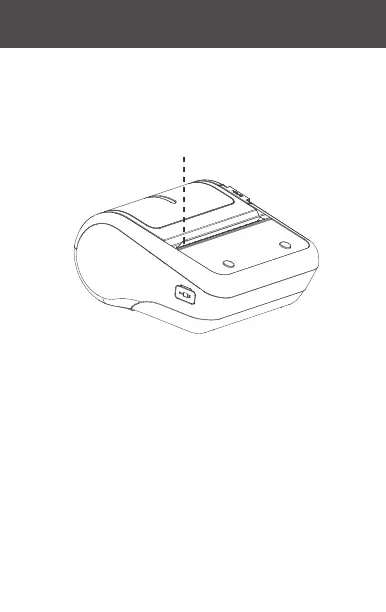
Step 5: Put the roll of paper into the paper case, and position
the printing surface so it faces towards the print head. Pull
out a section of paper along the paper exit and close the
paper case cover.
Remarks: Pay attention to the direction of the paper roll. The
machine will be unable to print if it is reversed.
Printing surface
11 · 12



 To Next Page