05 · 06
Installation and Usage
02
02-1 Power Connection
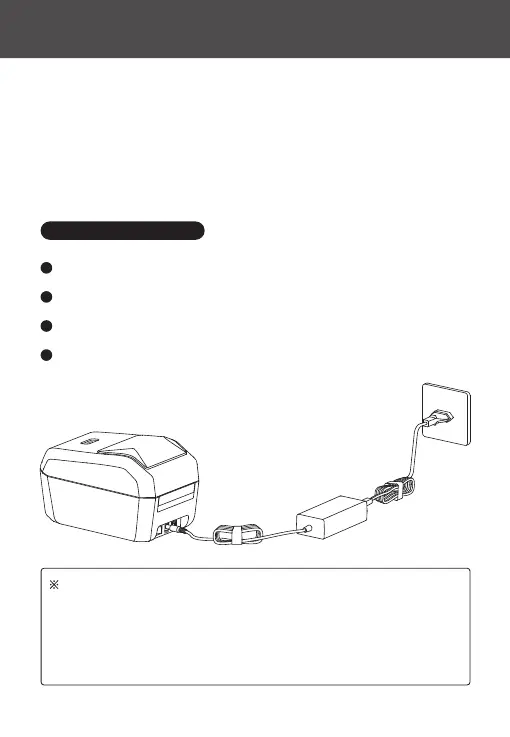
Make sure the printer's power switch is in the "O" (O) position.
1
Connect the power cord to the DC power po on the printer.
2
Plug the other end of the power cord into a suitable AC power outlet.
3
If the AC power outlet is live, the power indicator light will turn blue.
4
Attention:
1. Please use the ocial NIIMBOT power adapter to avoid product damage
or potential hazards.
2. If the printer will not be used for an extended period, unplug the power
cord from the printer.



 To Next Page