45
9
9
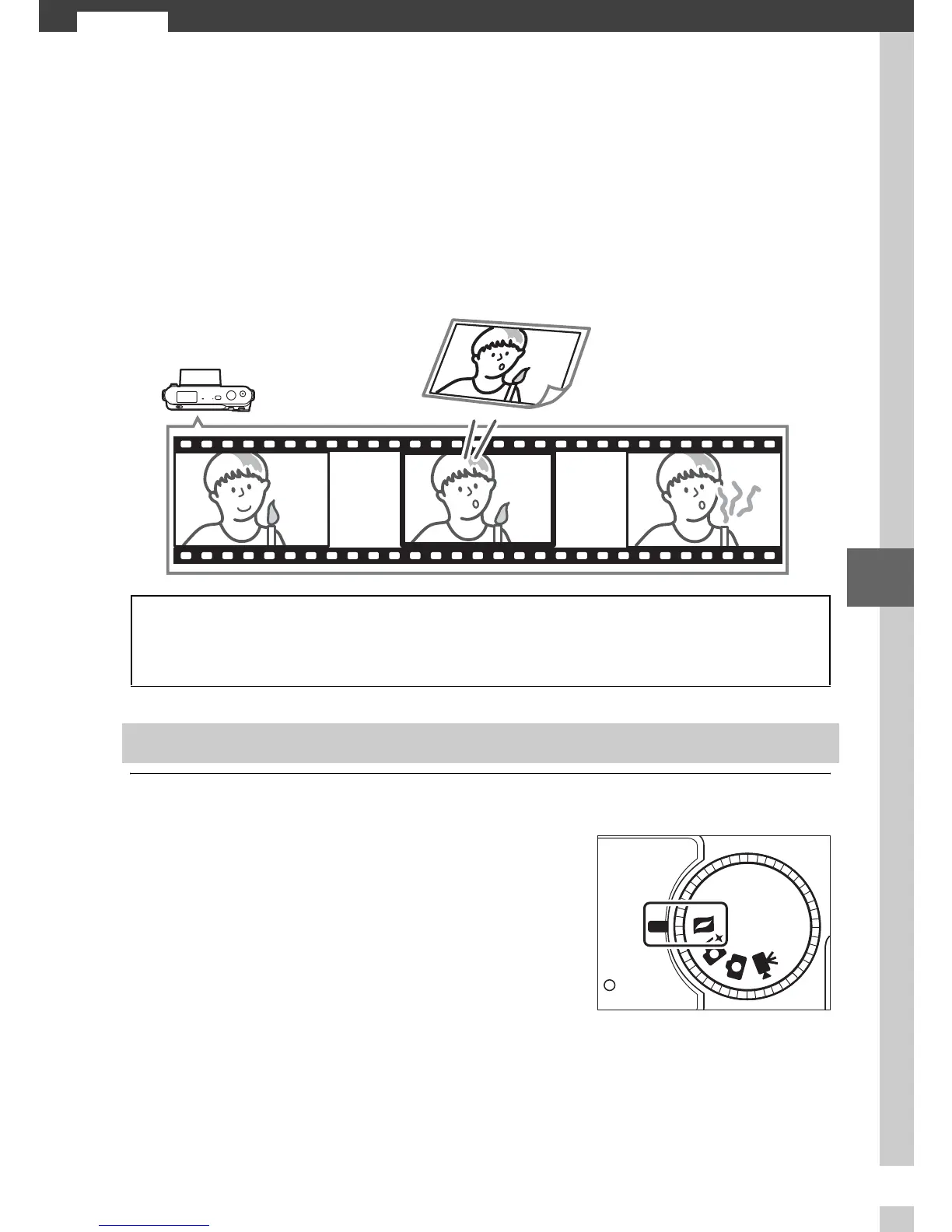
Motion Snapshot Mode
Choose Motion Snapshot mode to record brief movie vignettes
with your photographs. Each time the shutter is released, the
camera records a still image and about a second of movie foot-
age. When the resulting “Motion Snapshot” is viewed on the
camera, the movie will play back in slow motion over approxi-
mately 2.5 s, followed by the still image.
1
Select Motion Snapshot mode.
A
Available Settings
For information on the options available in Motion Snapshot mode, see
page 49.
Shooting in Motion Snapshot Mode
Rotate the mode dial to z.
Mode dial



 To Next Page