151
g
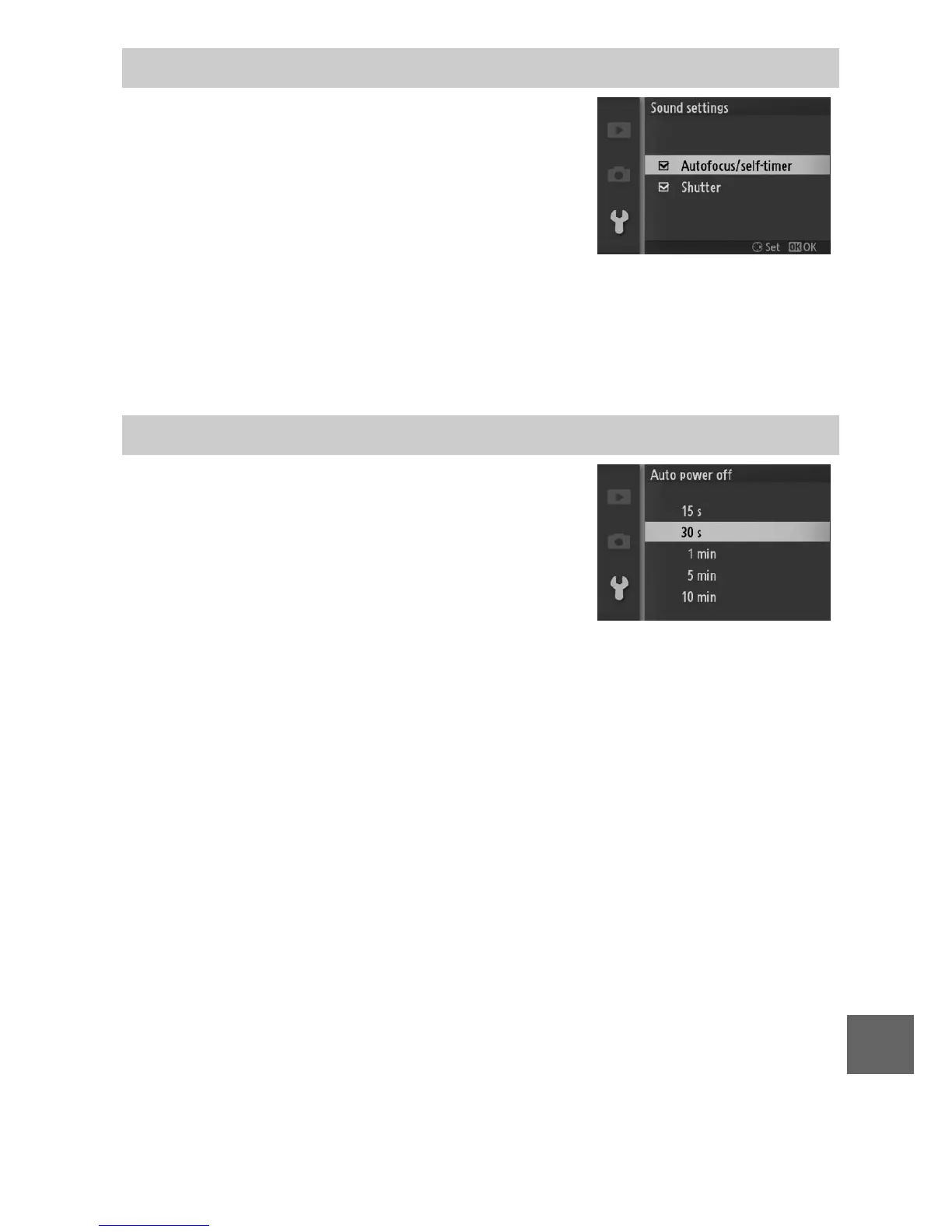
Highlight items and press 2 to select or
deselect. If Autofocus/self-timer is
selected, a beep will sound when the
camera focuses and during self-timer and
remote control photography; to mute the
beep, remove the check from this item.
Select Shutter to play a sound when the shutter is released, or
remove the check from this item to mute the shutter. Press J to
exit when settings are complete.
Choose how long the displays remain on
when no operations are performed
(0 17). Choose shorter delays to reduce
the drain on the battery. Once the dis-
plays have turned off, they can be reacti-
vated by operating the camera buttons
or mode dial.
Sound Settings
Auto Power Off



 To Next Page