II
Taking
Photographs
During
HD
Movie
Recording
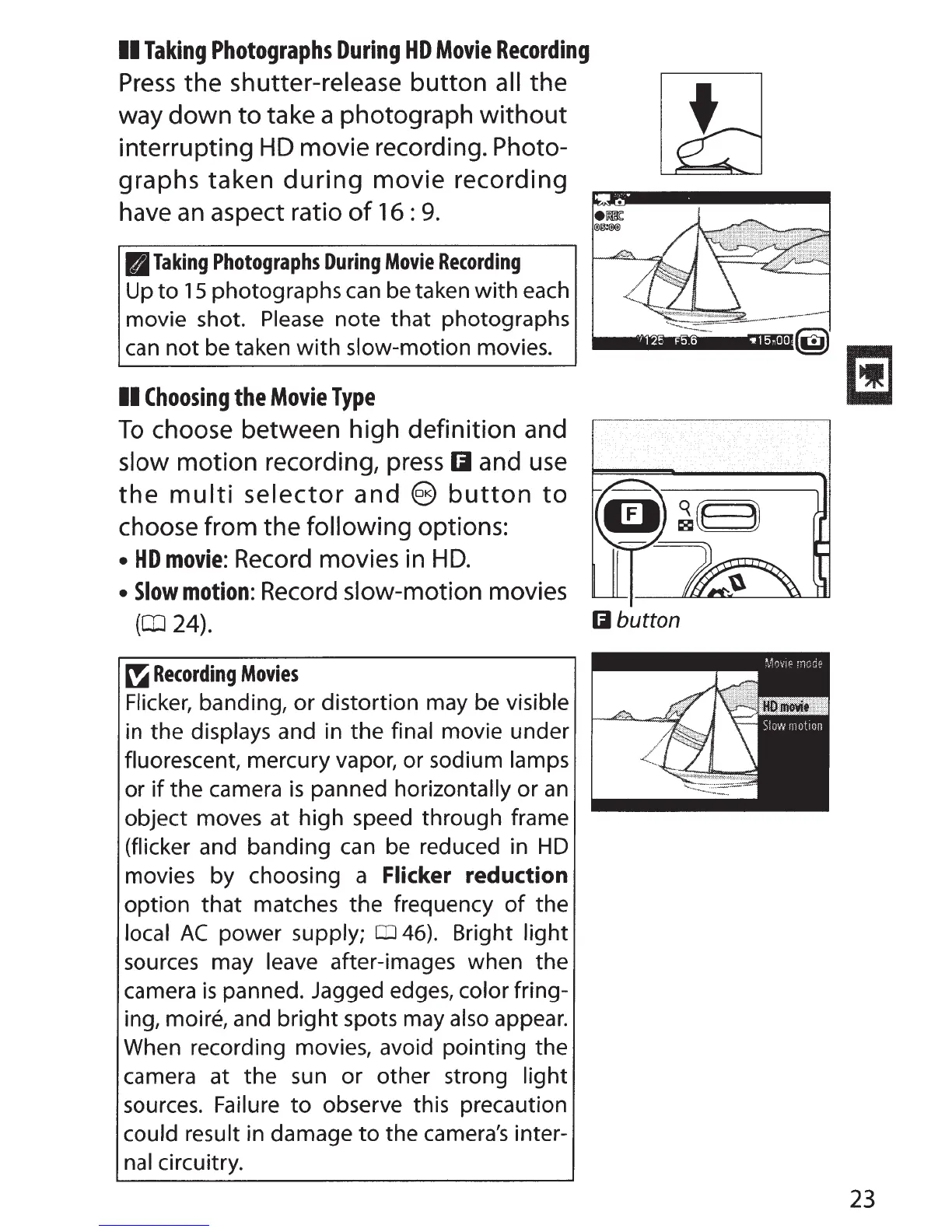
Press
the shutter-release
button
all the
way down
to
take a photograph
without
interrupting
HD
movie recording. Photo-
graphs taken
during
movie
recording
have
an
aspect ratio
of
16
:
9.
11J
Taking
Photographs
During
Movie
Recording
Up
to
15
photographs can be taken with each
movie shot.
Please
note
that
photographs
can
not
be taken
with
slow-motion movies.
II
Choosing
the
Movie
Type
To
choose between high definition and
slow motion recording,
press
Iii and
use
the
multi
selector
and
@
button
to
choose from the following options:
•
HD
movie:
Record
movies in
HD.
•
Slow
motion:
Record
slow-motion movies
(OJ
24).
~
Recording
Movies
Flicker, banding,
or
distortion may be visible
in the displays and in the final movie under
fluorescent, mercury vapor, or sodium lamps
or
if
the camera
is
panned horizontally or
an
object moves at high speed through frame
(flicker and banding can be reduced in
HD
movies by choosing a Flicker reduction
option
that
matches the frequency
of
the
local
AC
power supply;
CD
46). Bright
light
sources may leave after-images when the
camera
is
panned. Jagged edges, color fring-
ing, moire, and
bright
spots may also appear.
When recording movies, avoid pointing the
camera at the sun
or
other strong light
sources. Failure
to
observe this precaution
could result in damage
to
the camera's inter-
nal circuitry.
I 1 25 F5.6 't! 15o00
Iii button
23



 To Next Page