58
R
A
Active Selection
At default settings, the frame recorded at the moment the shutter-
release button was pressed all the way down is automatically marked
with a p icon in Step 6.
A
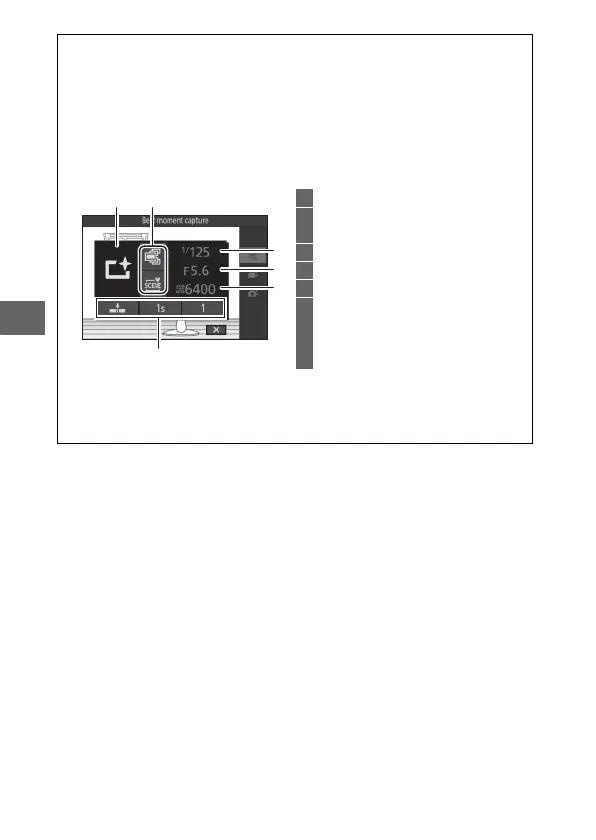
The & (Feature) Menu (0 9)
Pressing & in best moment capture mode displays the items listed
below. The items available vary with the mode selected (0 55, 59, 61).
1 Shooting mode......................................6
2 Best moment capture ........................55
Exposure mode....................................93
3 Shutter speed................................35, 37
4 Aperture ......................................... 36, 37
5 ISO sensitivity.......................................95
6 On release, record
Capture 20 frames over
Frames saved (default)
Number of shots saved......................93
A
Best Moment Capture Mode
Movies can not be recorded, and pressing the movie-record button has
no effect. The flash can not be used.
12
6
3
4
5



 To Next Page