85
t
Auto and Creative Modes
Choose from the following options.
t, u, v, and w Modes
The operation performed by tapping the display depends on
whether the camera is in autofocus or manual focus mode.
❚❚ Autofocus Modes
The following options are available in autofocus modes (AF-A,
AF-S, and AF-C).
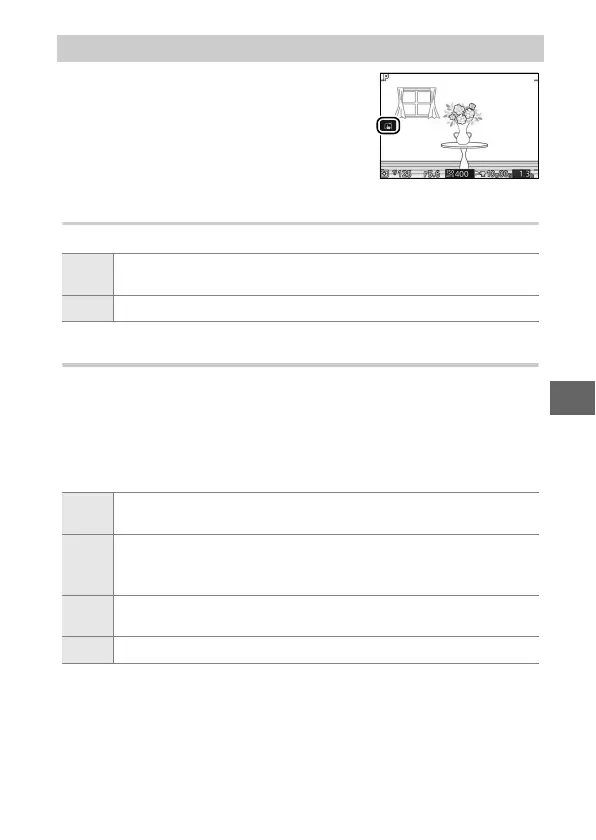
Tap Shooting Options
Tap the icon shown at right to choose the
operation performed by tapping the
monitor in shooting mode. The options
available vary with the shooting and
focus mode.
3
When you tap a subject in the display, the camera will focus and
take a picture.
7
Tapping the display during shooting has no effect.
3
When you tap a subject in the display, the camera will focus and
take a picture.
4
Tap the display to position the focus area when single-point AF
is selected for AF-area mode. To focus, press the shutter-release
button halfway.
6
Tap a subject to start tracking when subject tracking is selected
for AF-area mode.
7
Tapping the display during shooting has no effect.



 To Next Page