47
z
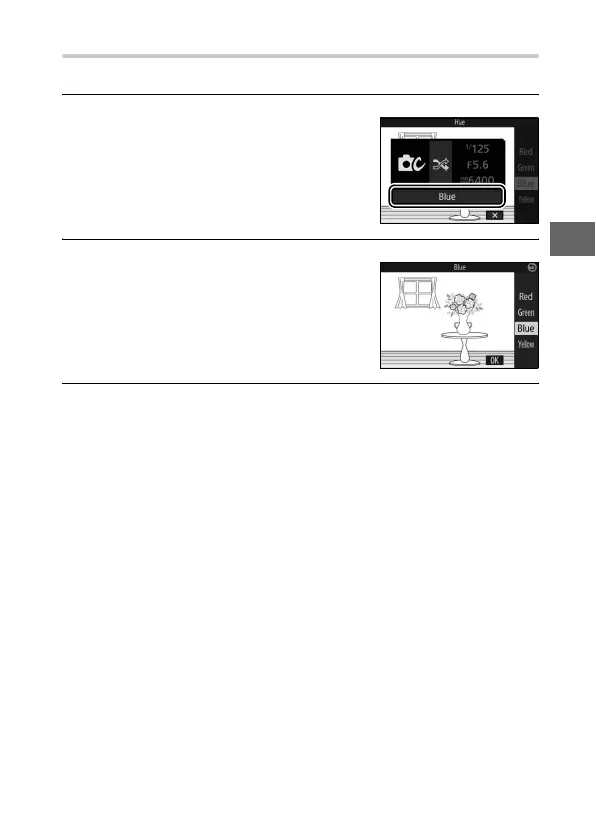
Cross Process
Select a base hue to take pictures with modified colors.
1
Select Hue.
2
Choose a color.
3
Take pictures.
Press the shutter-release button all the way down to take pic-
tures with modified colors.
Press & (feature) to display the &
menu, then highlight Hue and press
J.
Use the multi selector to choose a
base color (red, green, blue, or yellow)
and press J.



 To Next Page