y
48
y
Recording and Viewing Movies
Movies can be recorded using the movie-record button.
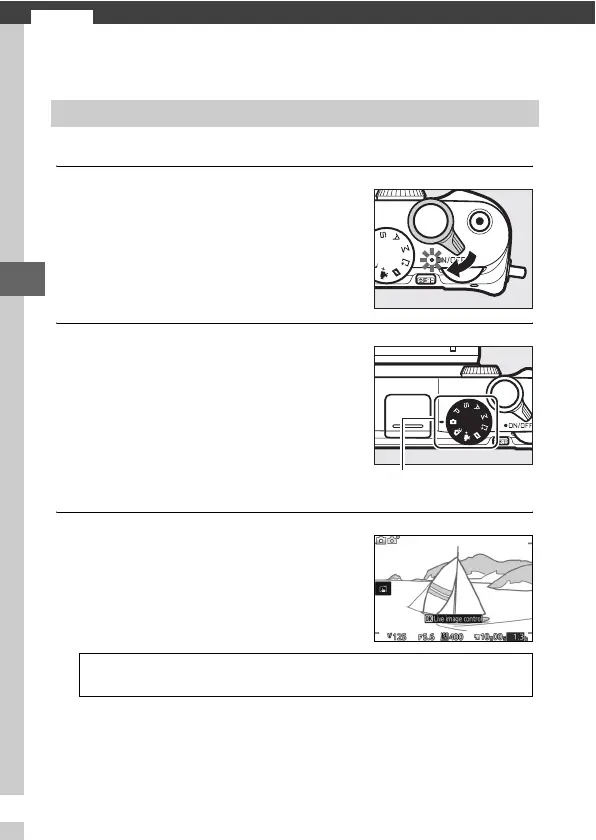
1
Turn the camera on.
2
Choose a shooting mode.
3
Frame the opening shot.
Recording Movies
Rotate the power switch to turn the
camera on.
Rotate the mode dial to C (auto), w
(creative), t , u, v, w, or v
(advanced movie) as described on
page 50. In advanced movie mode,
you can choose a movie type using
the Advanced movie option in the &
menu (0 51).
Mode dial
Frame the opening shot with your
subject in the center of the display. If
Slow motion is selected in advanced
movie mode (0 51), press the shutter-
release button halfway to focus.
A
The 0 Icon
A 0 icon indicates that movies can not be recorded.



 To Next Page