16
s
❚❚ Taking Pictures
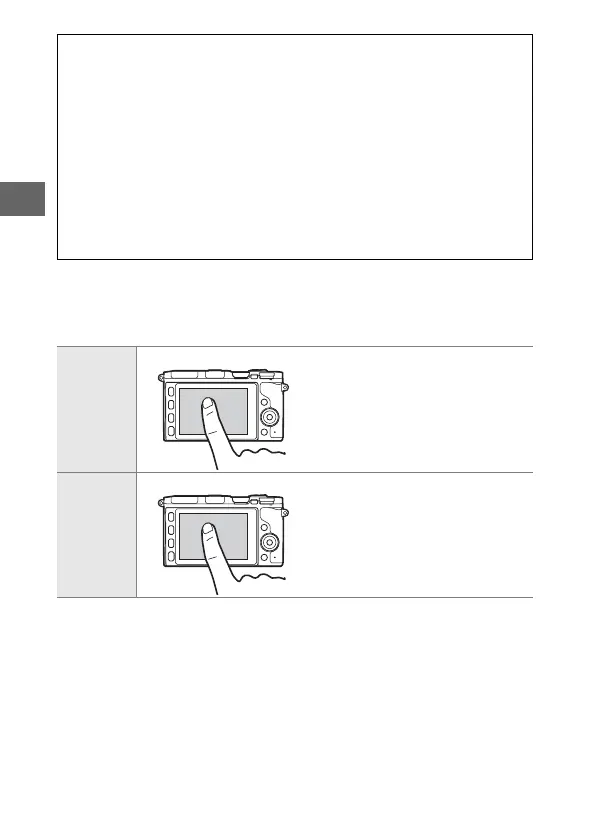
The touch screen can be used for the following shooting opera-
tions.
A
The Touch Screen
The touch screen responds to static electricity and may not respond
when covered with third-party protective films or when touched with
fingernails or gloved hands. Do not use excessive force or touch the
screen with sharp objects.
A
Using the Touch Screen
The camera may not recognize a tap if you leave your finger on the
screen too long. It may not recognize other gestures if your touch is too
soft, your fingers are moved too quickly or too short a distance or do
not remain in contact with the screen, or if the movement of the two
fingers in a pinch or stretch is not correctly coordinated.
Take a
picture (tap
shooting)
In auto, creative, t, u, v, and w
modes, you can focus and take a
picture by tapping your subject in
the display.
Focus (tap
shooting)
In advanced movie mode, you
can focus by tapping your subject
in the display.



 To Next Page