62
R
1
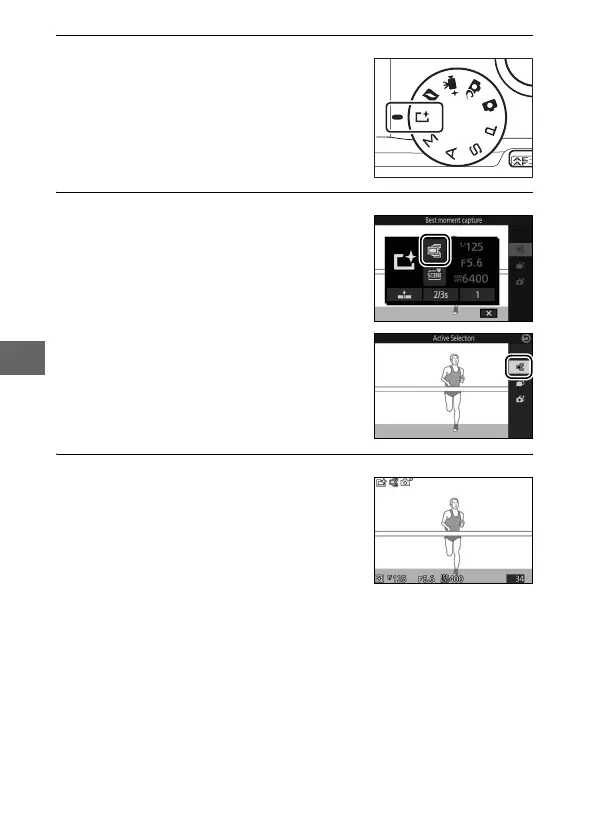
Select u mode.
2
Choose Active Selection.
3
Frame the photograph.
Rotate the mode dial to u (best
moment capture).
Press & (feature) to display the &
menu. Highlight Best moment cap-
ture and press J, then highlight
Active Selection and press J.
Compose the photograph with your
subject in the center of the frame.



 To Next Page