EasyManua.ls Logo

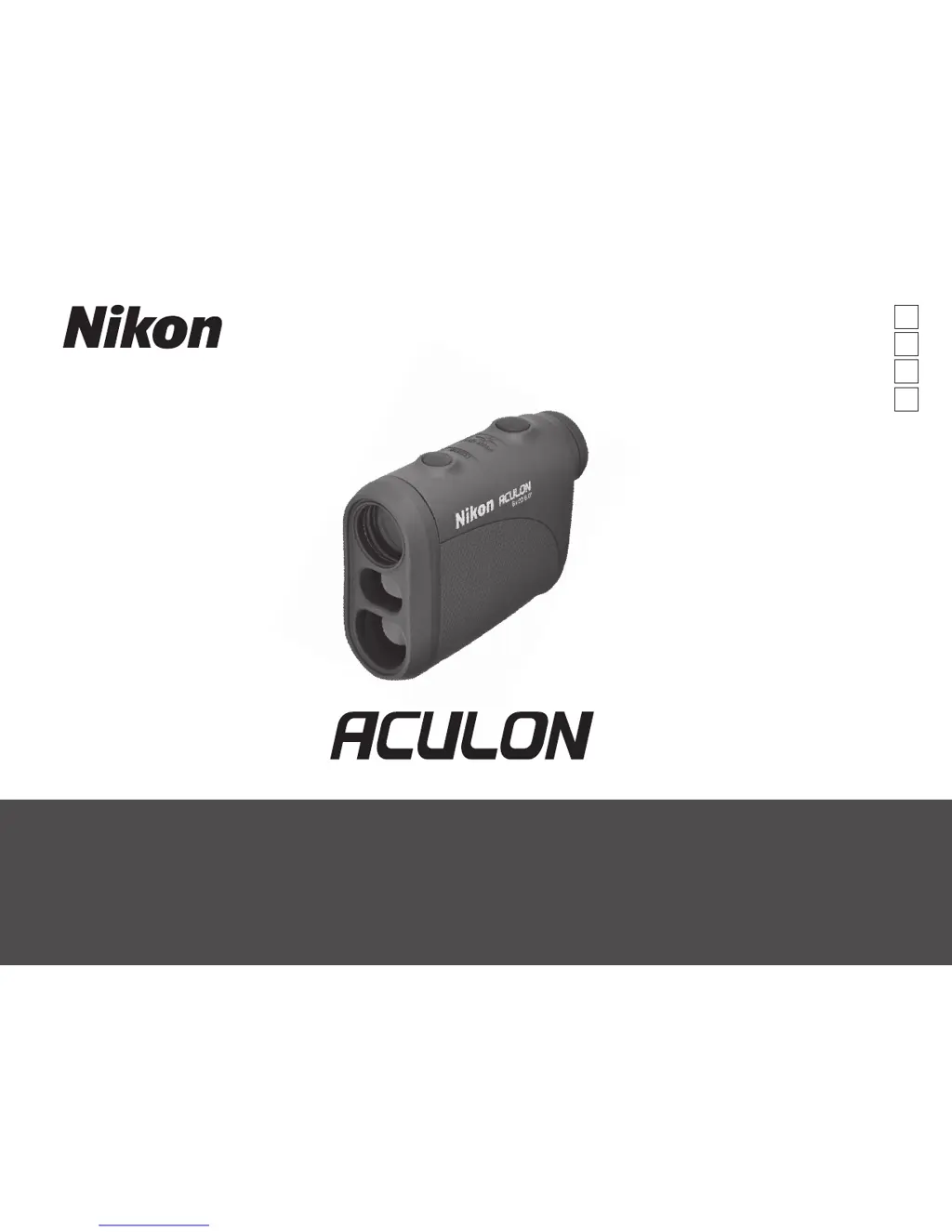
Nikon Aculon - User Manual

Nikon Aculon
64 pages
Print Icon
To Next Page IconTo Next Page
Loading...
Pt
En
Fr
Es
Instruction manual/Manual de instrucciones/
Manuel d’utilisation/Manual de instruções

Questions and Answers

  • D
    Derek BarberAug 13, 2025
    How to fix Nikon Aculon Measuring Instruments when it does not turn on?
    • A
      April CollinsAug 13, 2025
      If the Nikon Measuring Instruments unit fails to turn on and the LCD doesn't illuminate, first, try pressing the POWER ON/Measurement button. If that doesn't work, check to ensure the battery is correctly inserted. If the issue persists, replace the battery.
  • M
    Mitchell AdamsAug 17, 2025
    What to do if Nikon Aculon shows 'Cannot measure'?
    • M
      Michael LewisAug 17, 2025
      If you see [- - -] (“Cannot measure”) on your Nikon Measuring Instruments, ensure that nothing is blocking the laser emission aperture and laser detector, such as your hand or finger. Also, make sure these components are clean; if not, clean them. Verify that the target's shape and condition are suitable for reflecting the laser beam. As a last resort, try replacing the battery.
  • H
    hellisonAug 20, 2025
    What to do if Nikon Aculon displays 'Cannot measure'?
    • J
      Justin MartinAug 21, 2025
      If your Nikon Measuring Instruments displays [- - -] (“Cannot measure”), make sure you hold the unit steady during measurement. Also, ensure that the target is within the device's measuring range.
  • T
    travisramirezAug 25, 2025
    Why Nikon Measuring Instruments cannot measure closer target?
    • Z
      zhardyAug 26, 2025
      If you cannot measure a closer target with your Nikon Measuring Instruments, ensure that there are no obstructions like leaves or grass between the device and the target.
  • D
    danielle80Aug 28, 2025
    Why Nikon Measuring Instruments cannot measure target beyond a certain distance?
    • M
      marytannerAug 28, 2025
      If you cannot measure a target beyond a certain distance with your Nikon Measuring Instruments, ensure that there are no obstructions, such as leaves or grass, between the Nikon Laser Rangefinder and the target.
  • C
    Curtis WheelerSep 1, 2025
    What to do if target range cannot be obtained on my Nikon Aculon Measuring Instruments?
    • J
      Jamie BerrySep 1, 2025
      If you cannot obtain the target range and see [- - -] (“Cannot measure”) on your Nikon Measuring Instruments, ensure that nothing is blocking the laser emission aperture and laser detector. Also, make sure these components are clean. The target's shape and condition should be appropriate for reflecting the laser beam. If problems persist, try replacing the battery.
  • M
    Michael CamposSep 5, 2025
    How to fix incorrect result displayed on Nikon Measuring Instruments?
    • N
      Nicole LambSep 5, 2025
      If your Nikon Measuring Instruments display an incorrect result, you can try the following: * Replace the battery. * Ensure the target shape and condition are appropriate for reflecting the laser beam. * Make sure that nothing, such as leaves or grass, is between the device and the target.
  • D
    David DuncanSep 9, 2025
    What to do if Nikon Aculon unit does not turn on?
    • C
      cowensSep 9, 2025
      If your Nikon Measuring Instruments unit doesn't turn on and the LCD fails to illuminate, try the following: * Press the POWER ON/Measurement button. * Check the battery insertion to ensure it's correctly placed. * Replace the battery if necessary.

Summary

Cautions and Safety Precautions

Laser Safety

Discusses safe usage of the laser beam to prevent eye damage and injury.

Optical Safety

Covers precautions related to the monocular view, sun, and general handling.

Battery Safety

Details safe handling, installation, and disposal of lithium batteries.

Care and Maintenance

Explains how to clean lenses and the main body of the rangefinder.

Storage Guidelines

Provides recommendations for storing the device to prevent condensation and damage.

Key Features

Nomenclature and Composition

Battery Management

Battery Indicators

Explains symbols indicating battery level and when to replace the battery.

Battery Replacement Procedure

Step-by-step guide for opening, inserting/replacing, and closing the battery cover.

Battery Life Expectancy

Provides information on the expected battery life and factors affecting it.

Internal Display

Performing Measurements

Diopter Adjustment

How to adjust the eyepiece for a clear display image before measuring.

Measurement Steps

Guides through turning on the device, aiming, and using the measurement button.

Measurement Results Display

Explains what the display shows during and after measurement.

Units, Modes, and Compliance

Distance Display Units

How to switch between yards and meters for measurement results.

Target Priority Mode

Distant Target Priority System for measuring overlapping subjects.

Compliance Information

FCC, EU EMC directives, and product disclaimers.

Product Specifications

Troubleshooting and Repair

Nikon Aculon Specifications

General IconGeneral
Prism TypePorro
MagnificationVaries by model
Objective Lens DiameterVaries by model
Field of ViewVaries by model
Eye ReliefVaries by model
Exit PupilVaries by model
Close FocusVaries by model
WeightVaries by model
DimensionsVaries by model

Related product manuals