133
Menu Guide—The Playback Menu
The Playback Menu
Managing Pictures
The playback menu contains the following options for managing the pictures
on the memory card:
Deleting Pictures: Delete
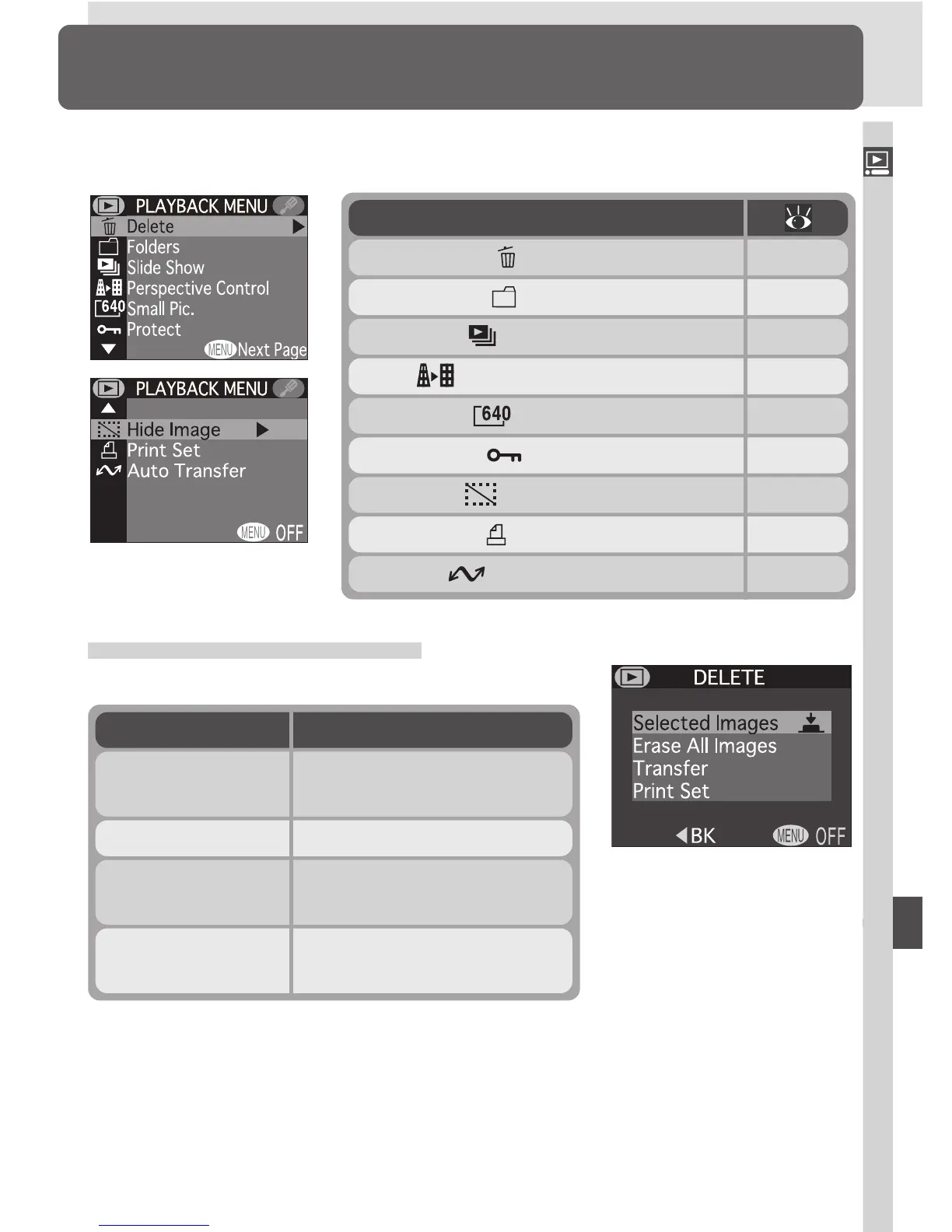
The Delete menu contains the following options:
DescriptionOption
Delete selected photo-
graphs and movies.
Selected Images
Delete all pictures.Erase All Images
Reset transfer marking for
all pictures.
Transfer
Cancel the current print or-
der.
Print Set
Option
Delete
Folders
Slide Show
Perspective Control
Small Pic.
Protect
Hide Image
133–135
136–137
138–139
140–142
142
143
144
Print Set 145–146
Auto Transfer 147–148













 To Next Page