EasyManua.ls Logo

Nikon CoolPix S70 - User Manual

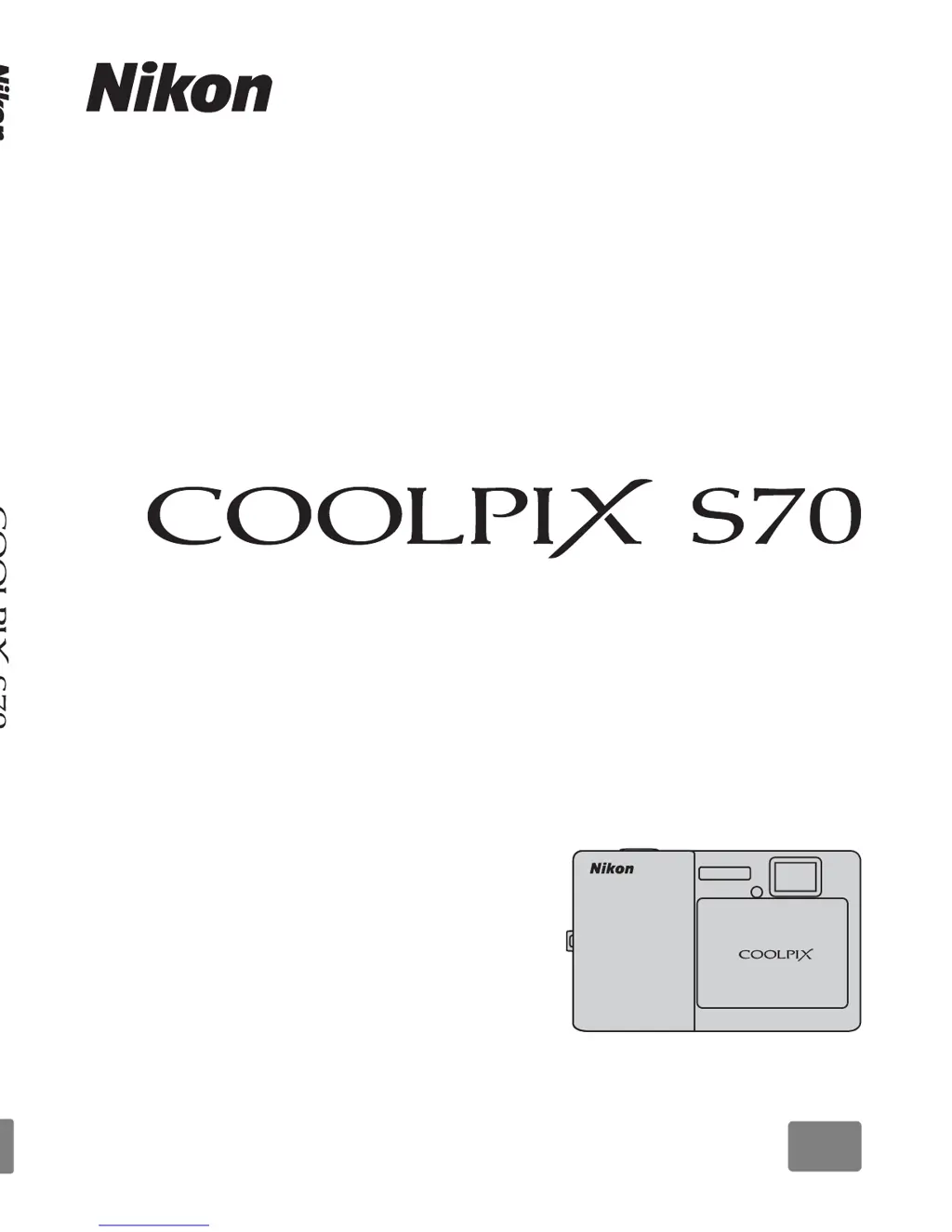
Nikon CoolPix S70
192 pages
Print Icon
To Next Page IconTo Next Page
Loading...
© 2009 Nikon Corporation
No reproduction in any form of this manual, in whole or in part
(except for brief quotation in critical articles or reviews), may be
made without written authorization from NIKON CORPORATION.
Printed in Japan
YP9H02(11)
6MM71111-02
DIGITAL CAMERA
User’s Manual
En
En

Table of Contents

Other manuals for Nikon CoolPix S70

Questions and Answers

  • A
    Adam WilliamsAug 15, 2025
    How to fix a blank monitor on my Nikon Digital Camera?
    • J
      Joseph Smith DDSAug 15, 2025
      If the Nikon Digital Camera monitor is blank, first ensure the camera is turned on. If it is, check if the battery is exhausted and replace it if necessary. Also, if the camera is in standby mode, press the shutter-release button halfway. Disconnect the USB cable if the camera is connected to a computer. Finally, make sure the charging AC adapter is properly connected if you're using one.
  • G
    gmoralesAug 18, 2025
    Why isn't the battery charging when my Nikon Digital Camera is connected to the computer?
    • K
      Kevin LozanoAug 18, 2025
      If the battery isn't charging when your Nikon Digital Camera is connected to a computer, ensure the camera is turned on while connected. Charging stops if the computer enters sleep mode, so change your computer's sleep settings. If charging is still not possible, charge the battery using a wall outlet.
  • J
    Jacob FordAug 21, 2025
    Why does my Nikon CoolPix S70 turn off without warning?
    • M
      Michael BallardAug 21, 2025
      If your Nikon Digital Camera turns off unexpectedly, the battery may be exhausted, so try replacing it. Avoid connecting the charging AC adapter while the camera is on. If connected to a computer or printer via USB, ensure the USB cable is securely reconnected. High internal temperature of the camera or memory card can also cause this, so allow them to cool down. If the battery is cold, allow it to warm up.
  • M
    Matthew MontesAug 25, 2025
    What to do if the monitor on my Nikon Digital Camera is hard to read or has darkened?
    • S
      Sheena LinAug 25, 2025
      If the monitor on your Nikon Digital Camera is hard to read or has darkened, try adjusting the monitor brightness. The monitor may darken to reduce heat generation when the internal temperature of the camera is high; allow the camera to cool down. Also, avoid covering the power-on lamp. Finally, the monitor may be dirty and need cleaning.
  • A
    Ashley ScottAug 27, 2025
    How to correct the date and time on my Nikon Digital Camera?
    • A
      Aaron BryanAug 27, 2025
      If the date and time of recording are incorrect on your Nikon Digital Camera, set the correct time and date from the Date option in the setup menu. Pictures recorded before the clock is set will have a timestamp of “00/00/0000 00:00.” Regularly check and reset the camera clock against more accurate timepieces as required.
  • A
    amy95Aug 30, 2025
    Why did my Nikon CoolPix S70 settings reset?
    • A
      angelawhiteAug 30, 2025
      If your Nikon Digital Camera settings have reset, the backup battery is likely exhausted. Replace the backup battery to resolve this.
  • J
    James LewisSep 3, 2025
    Why is the date not imprinted on my Nikon CoolPix S70 Digital Camera pictures?
    • M
      Mr. Kevin Wilson IISep 3, 2025
      If the date is not imprinted on pictures with your Nikon Digital Camera, confirm that your selected shooting mode supports date imprint. Disable any conflicting functions that do not support date imprint. If you are recording movies, switch to still photography mode.
  • G
    gonzalesjasmineSep 5, 2025
    What does it mean when the monitor turns off and the power-on lamp blinks green rapidly on my Nikon CoolPix S70 Digital Camera?
    • C
      Christopher LewisSep 6, 2025
      If the monitor turns off and the power-on lamp blinks green rapidly on your Nikon Digital Camera, the battery temperature is likely high. Turn off the camera and allow the battery to cool down.
  • D
    Donna BrownSep 8, 2025
    Why is the date imprint not available on my Nikon Digital Camera?
    • R
      Robert FloresSep 8, 2025
      Date imprint may not be available on your Nikon Digital Camera if the camera clock has not been set; set the camera clock. Alternatively, another function that does not support date imprint may be enabled; disable the conflicting function.
  • R
    Rebecca DiazSep 12, 2025
    How to display indicators on the monitor of my Nikon CoolPix S70 Digital Camera?
    • R
      Ryan MillerSep 12, 2025
      Tap C to switch the information display setting on your Nikon Digital Camera.

Summary

Introduction

About This Manual

Provides information about the manual's purpose and content.

Information and Precautions

Covers essential user information, online resources, and accessory advice.

Parts of the Camera

Details the camera's physical components and basic shutter button operation.

Operating the Touch Panel

Explains how to use touch gestures like tapping, dragging, and pinching.

Monitor Display and Basic Operations

Describes shooting and playback information, controls, and indicators.

First Steps

Battery Handling and Charging

Covers inserting, removing, and charging the camera battery.

Turning On;Off and Initial Setup

Guides on powering the camera, language, date, and time settings.

Memory Card Management

Instructions for inserting, removing, and formatting memory cards.

Basic Photography and Playback

Easy Auto Mode Guide

Step-by-step instructions for using Easy Auto Mode for photography.

More on Shooting

Selecting a Shooting Mode

Explains how to choose between Easy Auto, Auto, Scene, and Movie modes.

Shooting Modes Overview

Details on Auto mode and various Scene modes for specific subjects.

Adjusting Camera Settings

Covers touch controls, self-timer, flash, image quality, and other shooting functions.

More on Playback

Selecting Playback Mode

Options for viewing pictures: playback, favorite pictures, auto sort, list by date.

Managing Favorite Pictures

Creating albums, adding, viewing, and removing pictures in favorite mode.

Viewing Pictures

Methods for viewing pictures: full-frame, zoom, thumbnails, and image rotation.

Deleting Pictures

Instructions for deleting single or multiple pictures.

Playback Options and Editing

Includes protection, DPOF, slide shows, voice memos, and picture editing functions.

Movies

Recording Movies

Guides on how to record movies with sound using the built-in microphone.

Movie Recording Settings

Details on movie options, image size, frame rate, and autofocus modes.

Movie Playback and Deletion

Instructions for playing back recorded movies and deleting movie files.

Connecting Devices

Connecting to a TV

Steps for connecting the camera to a television to view pictures and movies.

Connecting to a Computer

Instructions for installing software and transferring pictures via USB.

Connecting to a Printer

Guides on direct camera-to-printer connections for printing pictures.

Setup Menu

Basic Camera Setup

Lists all available options in the setup menu for camera configuration.

Operating the Setup Menu

Explains how to navigate and use the setup menu interface.

HOME Display Options

Allows customization of the HOME screen display format.

Welcome Screen Options

Enables selection of the screen displayed when the camera is turned on.

Date and Time Settings

Covers setting the camera clock and time zones for accurate recording.

Monitor and Imprint Settings

Adjusts image review, brightness, and date/time imprinting on pictures.

Vibration Reduction

Explains how to enable or disable vibration reduction for blur reduction.

Format Memory;Card

Procedures for formatting the internal memory or SD memory cards.

Reset All Settings

Restores camera settings to their original default values.

Technical Notes

Optional Accessories

Lists compatible accessories like batteries, chargers, and cables.

Approved Memory Cards

Details tested and approved SD and SDHC memory card models.

Caring for the Camera

Provides essential guidelines for cleaning and storing the camera safely.

Error Messages

Lists common error messages and their corresponding solutions.

Troubleshooting Common Issues

Addresses common problems related to display, settings, power, and shooting.

Specifications

Provides detailed technical specifications of the camera and its components.

Nikon CoolPix S70 Specifications

General IconGeneral
Megapixel12.1 MP
Camera typeCompact camera
Sensor typeCCD
Maximum image resolution4000 x 3000 pixels
Still image resolution(s)640 x 480, 1024 x 768, 2048 x 1536, 2592 x 1944, 3264 x 2448, 3968 x 2232, 4000 x 3000
Digital zoom4 x
Optical zoom5 x
Focal length range3 - 30 mm
InterfaceUSB
Digital SLRNo
Power sourceAC Adapter EH-68P
Dimensions (WxDxH)96.5 x 20 x 60.5 mm
Focal length (35mm film equivalent)28 - 140 mm
ISO sensitivity80, 100, 200, 400, 800, 1600, 3200, 6400
Internal memory20 MB
Compatible memory cardssd, sdhc
Display diagonal3.5 \
Vari-angle LCD displayYes
Product colorRed
Battery typeEN-EL12
Battery life (CIPA standard)200 shots
Focus adjustmentAuto
Weight and Dimensions IconWeight and Dimensions
Depth20 mm
Width96.5 mm
Height60.5 mm
Weight140 g

Related product manuals