E70
The Setup Menu
Reference Section
Monitor Settings
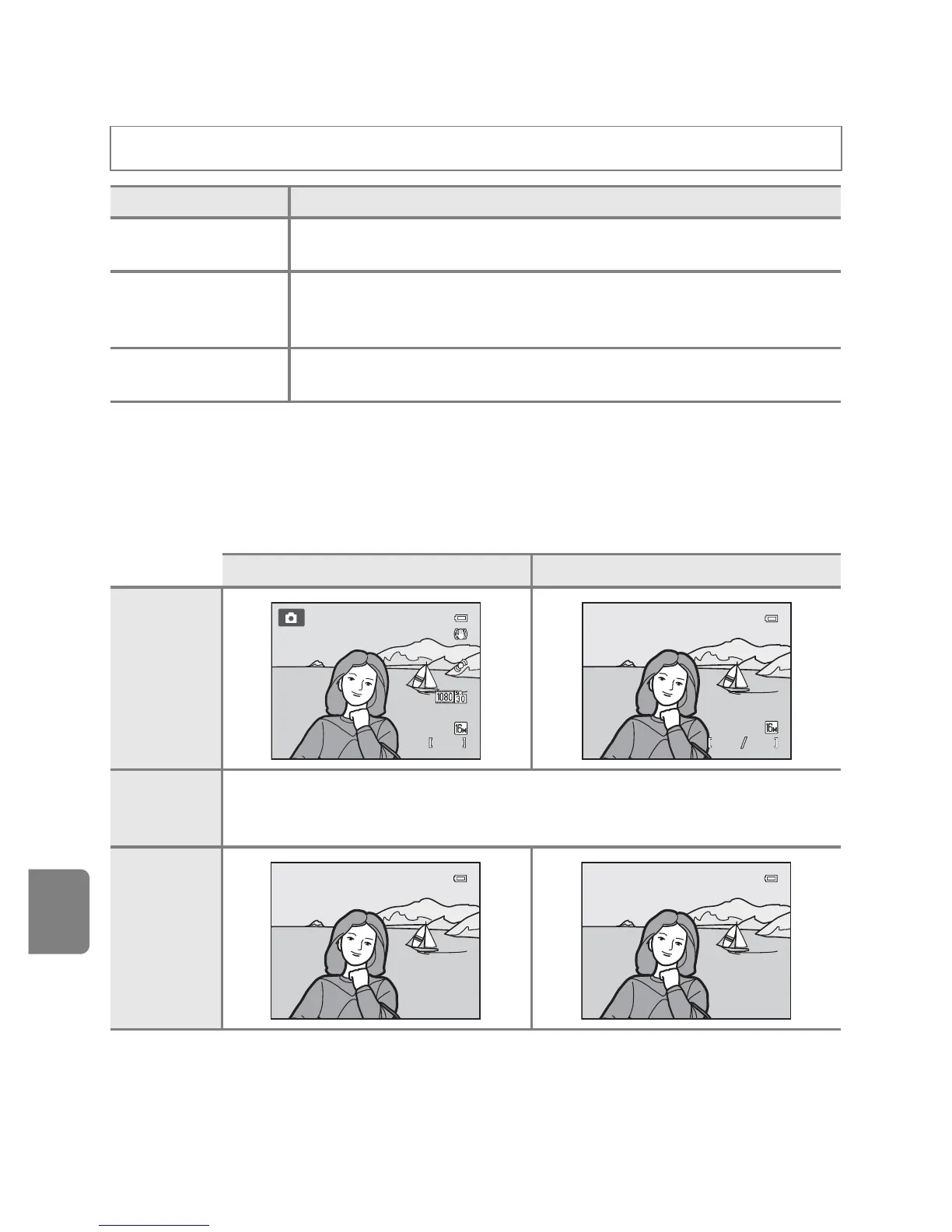
Photo info
Select whether or not the photo information is displayed on the monitor.
See “The Monitor” (A6) for more information on indicators displayed on the
monitor.
Press the d button M z tab (A11) M Monitor settings
Option Description
Photo info
Select information displayed on the monitor during shooting and
playback modes.
Image review
On (default setting): Picture is displayed on the monitor immediately
after shooting and the monitor display returns to shooting screen.
Off: Picture is not displayed immediately after shooting.
Brightness
Choose from five settings to select the monitor brightness. The
default setting is 3.
Shooting mode Playback mode
Show info
Auto info
(default
setting)
The same information as in Show info is displayed. If no operations are
performed after a few seconds, the display will be the same as Hide info. The
information is displayed again when an operation is performed.
Hide info





 To Next Page