61
ADVANCED PHO
TOGRAPHY—IMA
GE QU
ALITY
RAW
An image type of black-and-white is shown in the rear control panel as B/W. If
no indicator appears, the image type is color.
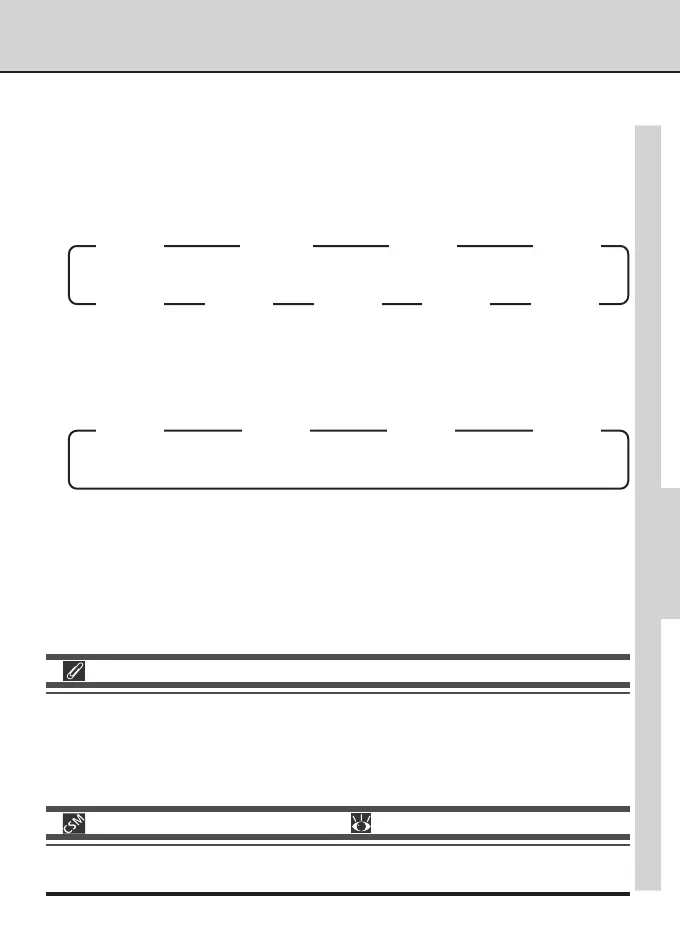
As the sub-command dial is rotated, image format settings—file format (High
image quality only), image type, and image size—will change in the order shown
below (a file format of YCbCr-TIFF is shown in the rear control panel as CbCr).
Image File Names
Photographs taken with cameras in the D1 series are saved as image files with a file name of the
form “DSC_nnnn.xxx”, where “nnnn” is a four-digit number from 0001 to 9999 assigned auto-
matically by the camera and “xxx” is a three letter extension (“NEF” for RAW images, “TIF” for
RGB-TIFF or YCbCr-TIFF, and “JPG” for JPEG images created at settings of JPEG Fine, JPEG
Normal, or JPEG Basic).
28—NEF(RAW) Image Save ( pg. 178)
A setting of RAW is only available if Uncompressed or Compressed has been chosen
from the NEF(RAW) Image Save menu (Custom Setting 28).
RGB
M
RGB
B/W
M
CbCr
M
CbCr
B/W
M
RGB
L
RGB
B/W
L
CbCr
L
CbCr
B/W
L
HIGH Image Quality
M
B/W
M
L
B/W
L
FINE, NORMAL, BASIC Image Quality



 To Next Page