90
Taking Photographs—Exposure
S: Shutter-Priority Auto
In shutter-priority auto, you choose the shutter speed while the camera
au to mat i cal ly selects the aperture that will produce the optimal exposure.
Shutter speed can be set to values between 30 s and
1
/
8,000 s. Use slow shutter
speeds to suggest motion by blurring moving objects, high shutter speeds to
“freeze” motion. Shutter-priority auto is only available with CPU lenses.
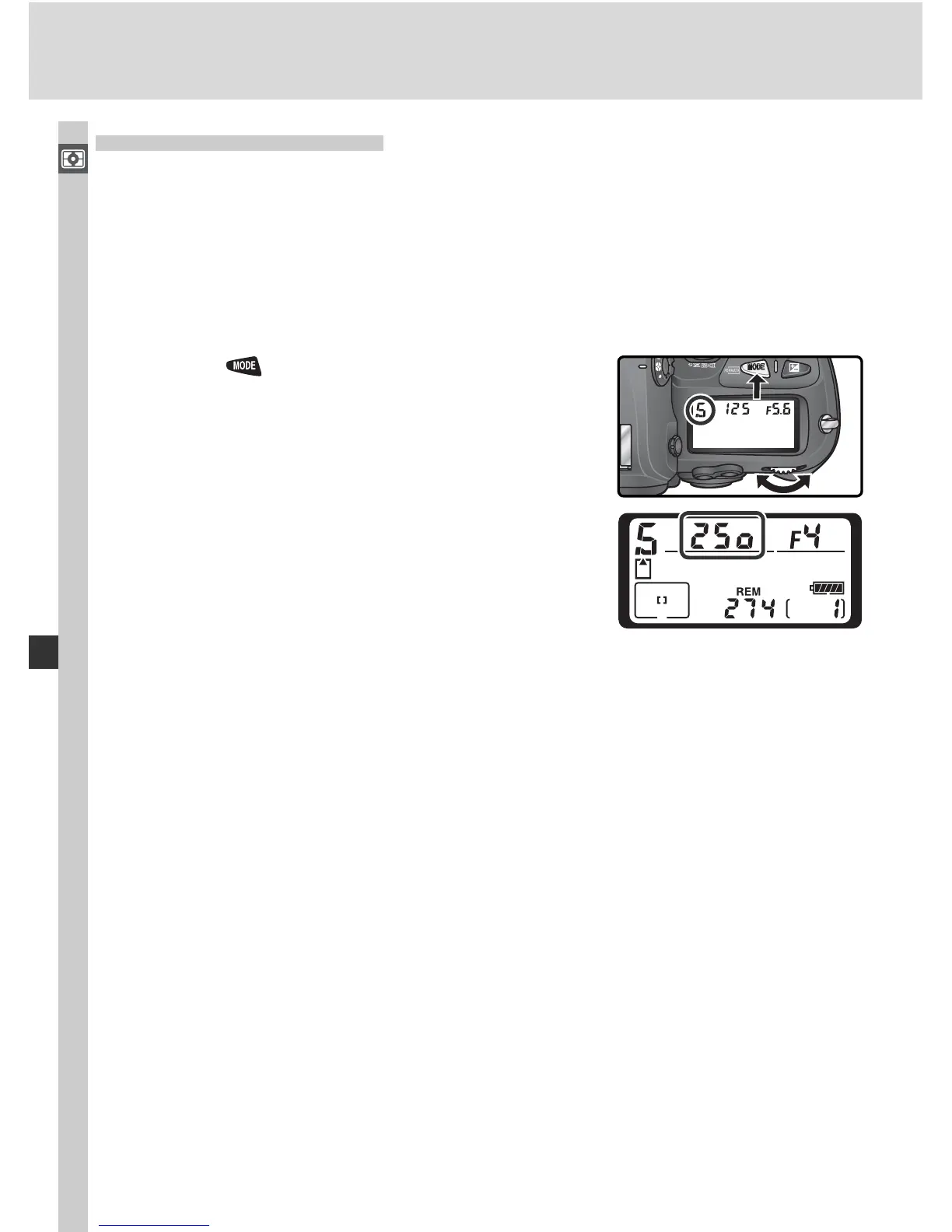
To take pho to graphs in shutter-pri or i ty auto:
1
Press the button and rotate the main com-
mand dial until S is displayed in the viewfi nder
and top control panel.
2
Rotate the main com mand dial to choose the
de sired shut ter speed.
3
Frame a photograph, focus, and shoot.



 To Next Page